

Videos2:08
From install to your first subscriber
How do you add subscriptions to a Shopify store? This step-by-step walkthrough goes from installing Curobi to your first subscriber in one sitting, with no code.
Curobi's Home page shows one setup checklist with five steps. Create a Subscribe and Save plan, add products from your Shopify catalog, add the subscribe widget to your theme, show Manage subscriptions to customers, then preview your storefront and win your first subscriber. Shoppers check out with Shopify's own checkout.
In this video
- Step 1: create a subscription plan (name, frequency, subscriber discount)
- Step 2: add products from your Shopify catalog
- Step 3: add the Subscribe and save block in the theme editor, no code
- Step 4: show Manage subscriptions in the customer account menu
- Step 5: preview, share and win your first subscriber
Key moments
- 0:00Why subscription apps sit half set up
- 0:25The Home setup checklist
- 0:37Step 1: create a Subscribe and Save plan
- 0:50Step 2: add products from your catalog
- 1:01Step 3: add the subscribe widget to your themeRead more about Step 3
- 1:23Step 4: show Manage subscriptions to customersRead more about Step 4
- 1:40Step 5: win your first subscriber
Go deeper
Plans. Subscribe and Save plans, the widget and the portal are on every plan, Free included. 0% Curobi transaction fees. Compare plans.
Questions this video answers
- How do I add a subscribe and save option to Shopify?
- Install a subscription app such as Curobi, create a plan with a frequency and discount, attach products, then add the Subscribe and save block to your product template in the theme editor.
- Do I need code to add subscriptions to my Shopify theme?
- No. Curobi's widget is a theme app block you add in the theme editor.
- Where do customers manage their subscriptions?
- In their Shopify customer account, on a Manage subscriptions page you add to the account menu.
Shorts from this video
Under a minute each, on one part of the video.
Add Subscribe and Save to Any Shopify Product (No Code)
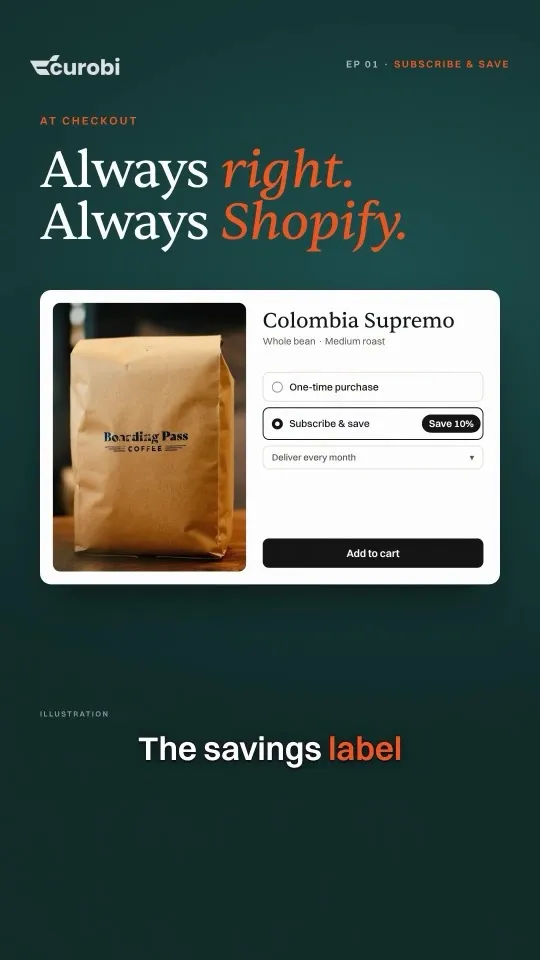
They'd buy your coffee every month, but your product page only lets them buy it once. Create a Curobi Subscribe and Save plan, choose the rhythm and add the block in your theme editor: Classic, Cards or Tabs, no code. On every Curobi plan, Free included.
Add 'Manage Subscriptions' to Shopify Customer Accounts
Put Manage subscriptions in the customer account menu and the account pages in two steps, and subscribers can skip, pause or update payment themselves. The customer portal is on every plan.

More videos
All videos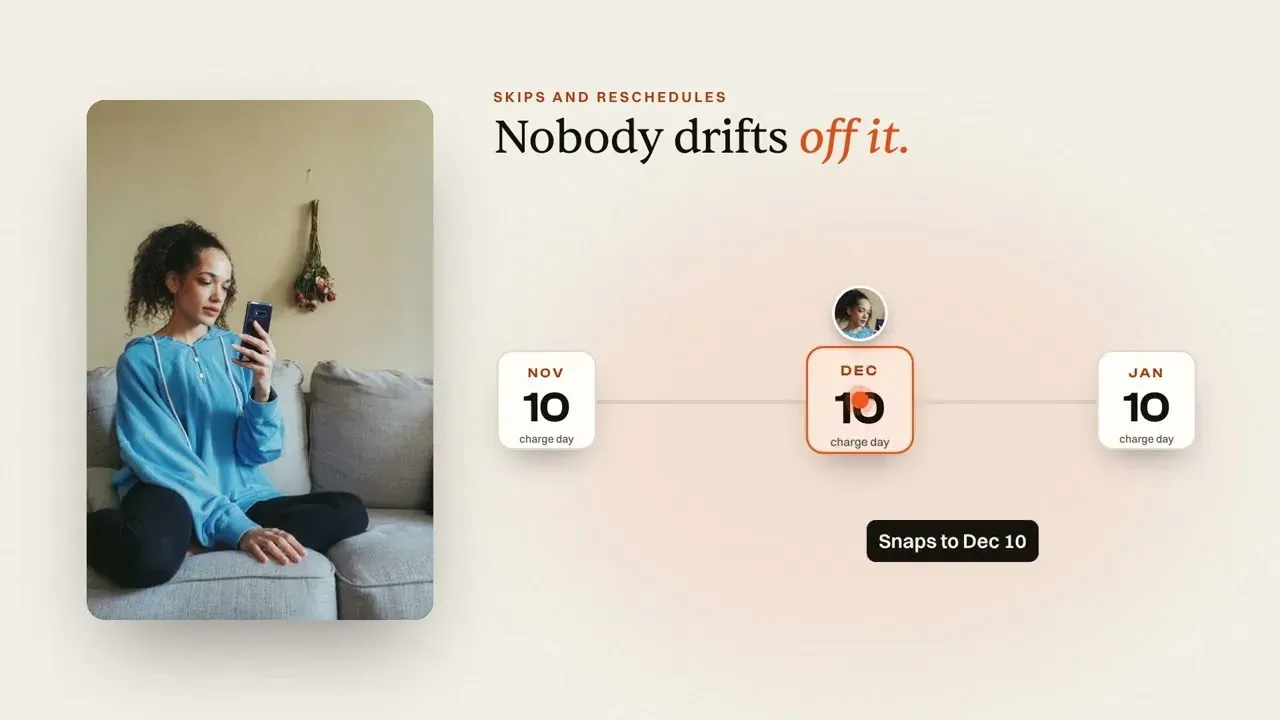 2:31One charge day for every subscriberWhy Is Every Subscriber Charged on a Different Day? (Shopify Fix)
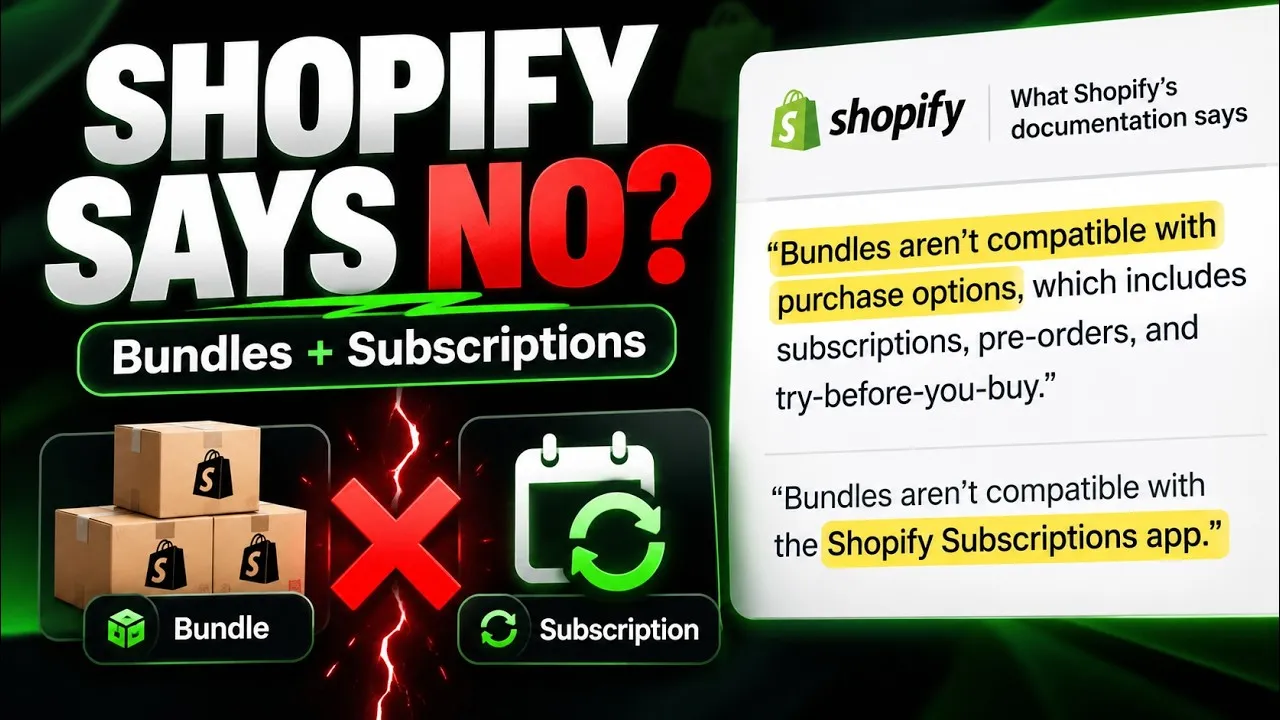 2:22Sell a box on subscription when Shopify's bundles can'tShopify Bundle Subscriptions 2026: Sell the Box Shopify Says You Can't
 2:20Five settings that cut subscription box cancellations5 Ways to Cut Subscription Box Cancellations on Shopify (No Developer)
 2:37Four decisions to make before you launch a subscription boxHow to Start a Subscription Box Business in 2026 (4 Crucial Steps)
Try it on your own store.
Install free, create one plan, and see it on your own product page. Free up to 50 active subscriptions, 0% transaction fees on every plan.