

Curobi on YouTube
See it work before you install.
Short walkthroughs recorded in the app on sample stores, most under three minutes, and Shorts under one. Each shows the screens you will use.
- 9full videos
- 7Shorts
- 21 minto watch them all
- 3 minlongest video
Shorts
One idea each, under a minute. Press play to watch here.
A Subscribe Button That Looks Like Your Brand (Shopify)
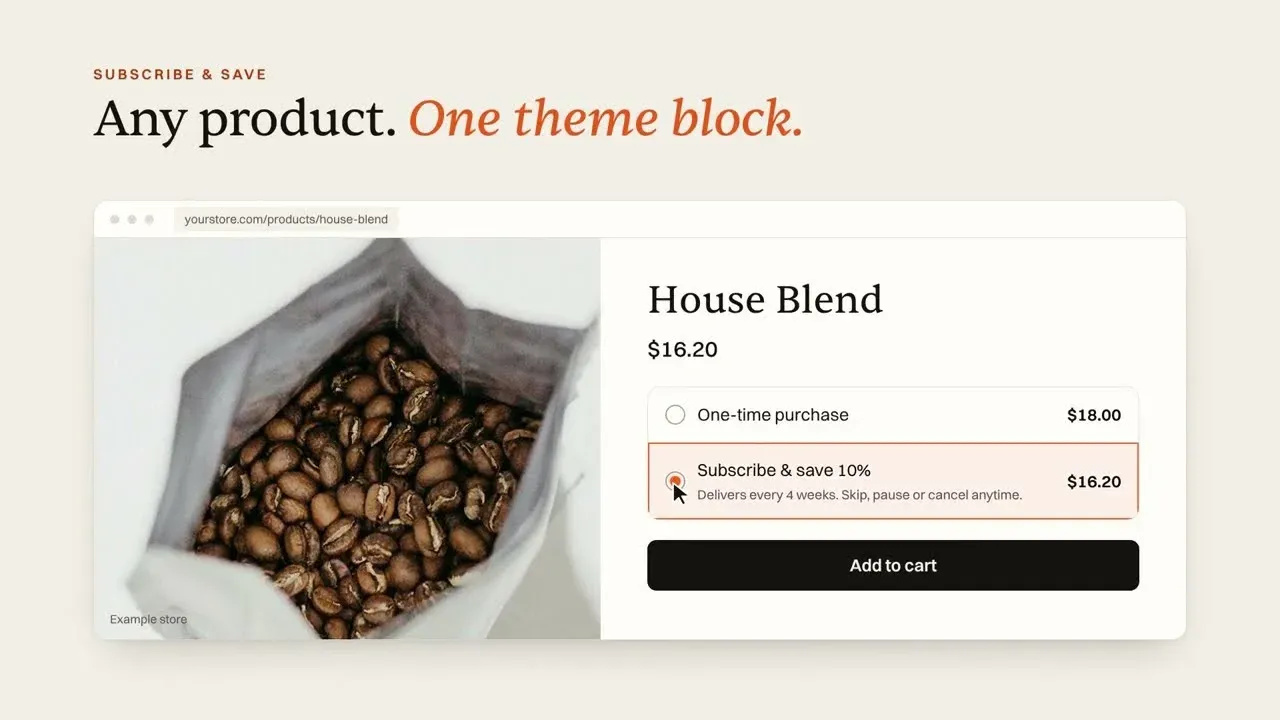
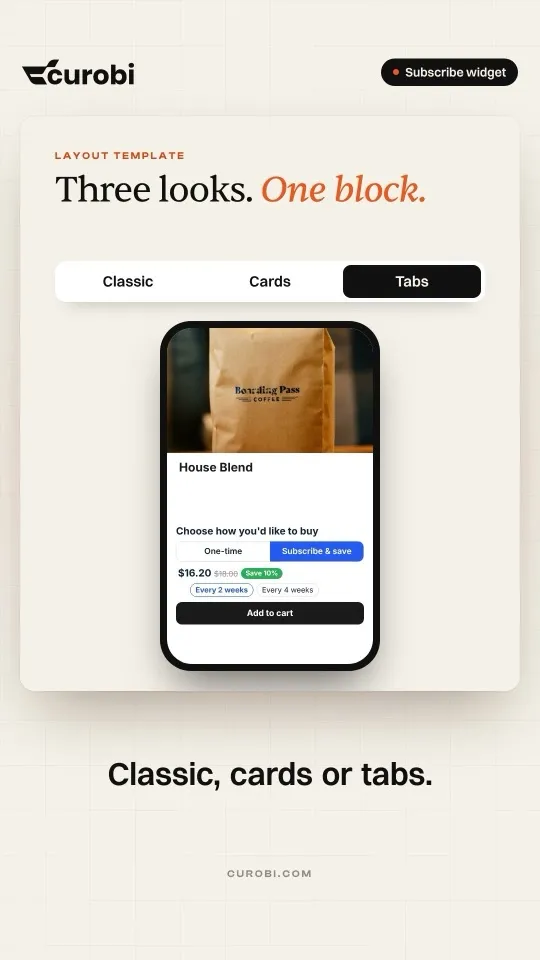
Curobi's Subscribe & save widget is a theme block. Pick Classic, Cards or Tabs, set your colours, and the savings pill comes from your plan's real discount. No code, on every plan.
Subscribe & save widgetEvery 4 Weeks Is Not a Month: Subscription Billing Explained
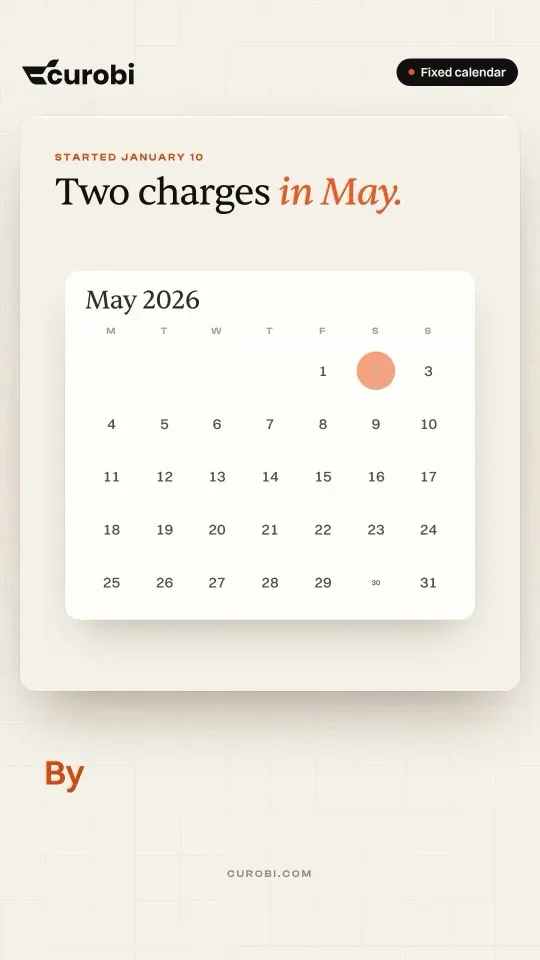
Billing every 28 days means 13 charges a year and a charge day that keeps slipping. Curobi's fixed calendar charges on the same date every month. Fixed calendar is an option on Curobi Pro.
Watch the full videoStarting a Subscription Box? Make These 4 Decisions First
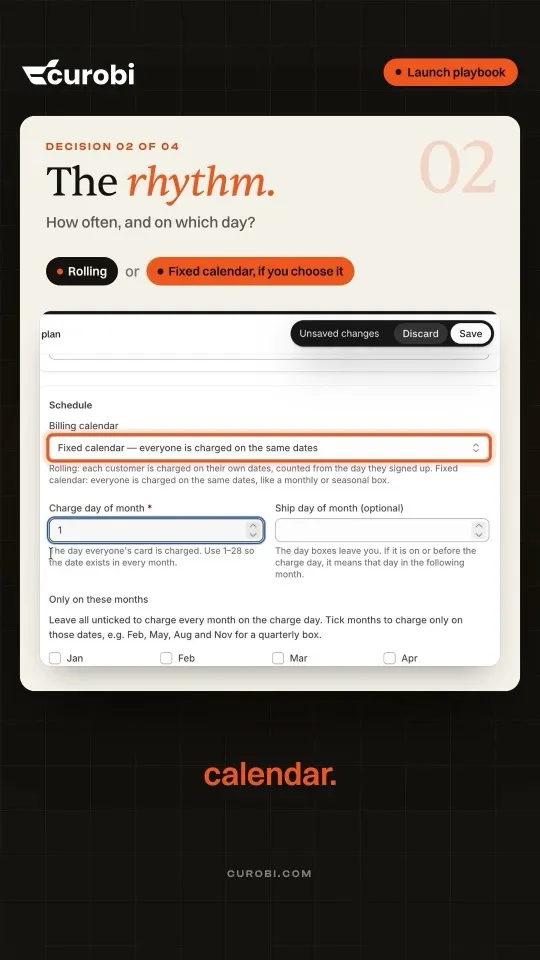
Launching a subscription box? Decide four things first: the box type (curated, Build-a-Box or Mix & Match), the rhythm (rolling, or one charge day if you choose a fixed calendar), the price (fixed or built from the picks) and the cutoff when picks lock.
Watch the full video3 Ways to Sell a Subscription Box: Curated, Build-a-Box, Mix & Match
One box, three ways to sell it. Curated: you choose and they discover something new. Build-a-Box: they pick from your menu at one fixed price. Mix & Match: they pick and the price drops as they add. All three in one Shopify app, with 0% Curobi transaction fees.
Watch the full videoYour Subscription App Shouldn't Take a Cut of Every Renewal
Some subscription apps take a percentage of every renewal, forever. Curobi takes 0%, on every order and every plan. Shopify's own payment fees still apply, with nothing added on top.
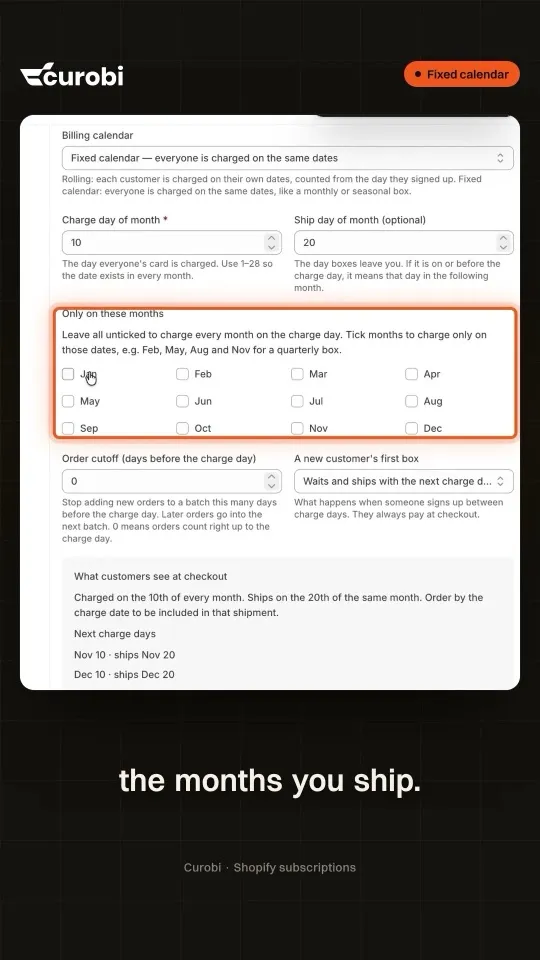
Watch the full videoSeasonal Subscription Box? Charge Only the Months You Ship | Shopify Subscriptions
Selling a seasonal or quarterly box? You don't have to charge every month. In Curobi's Fixed calendar, open the plan's Schedule and tick only the months you ship. The checkout line updates as you tick, so customers see exactly which months they are charged, and nobody is charged in between.
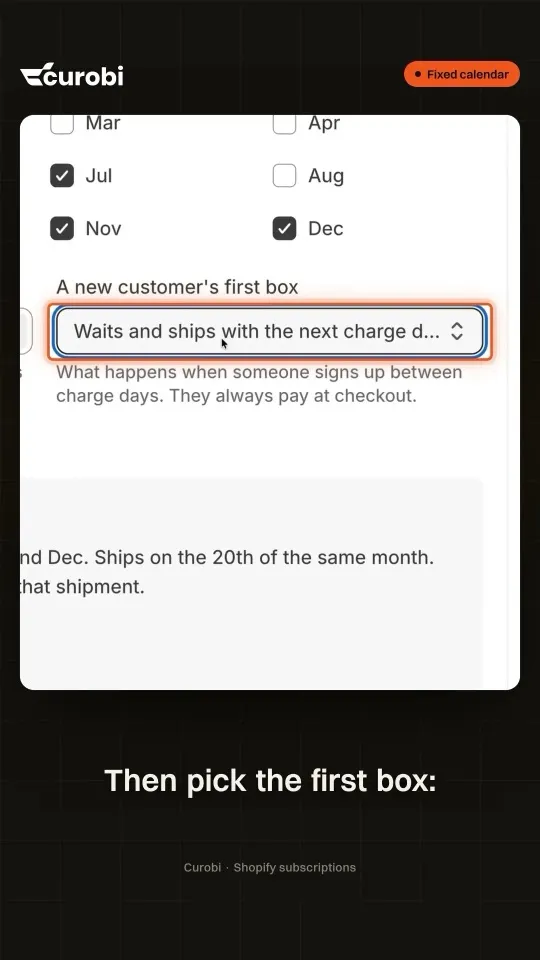
Watch the full videoNew Subscriber Between Charge Days? Here's What Happens | Shopify Subscriptions
Everyone pays on the 10th, and someone subscribes on the 23rd. In Curobi's Fixed calendar you decide what happens: set an order cutoff so late orders roll into the next batch, then choose the first box. It waits for the next batch, or it ships right away and joins the calendar after. Either way, they pay at checkout.
Watch the full video


All videos
Each one has its own page with the key moments, the questions it answers and the plan it needs.
 1:15Product tourCurobi in 74 secondsShopify Subscription Box App in 74 Seconds | Meet Curobi (2026)
 2:22Product tourWhere a box business loses subscribers, and what Curobi doesStop Losing Subscribers on Shopify: Curobi Subscription App Explained
 2:19Product tourThree ways to sell a subscription box on ShopifyShopify Subscription Box App Demo: Curated, Build-a-Box, Mix & Match
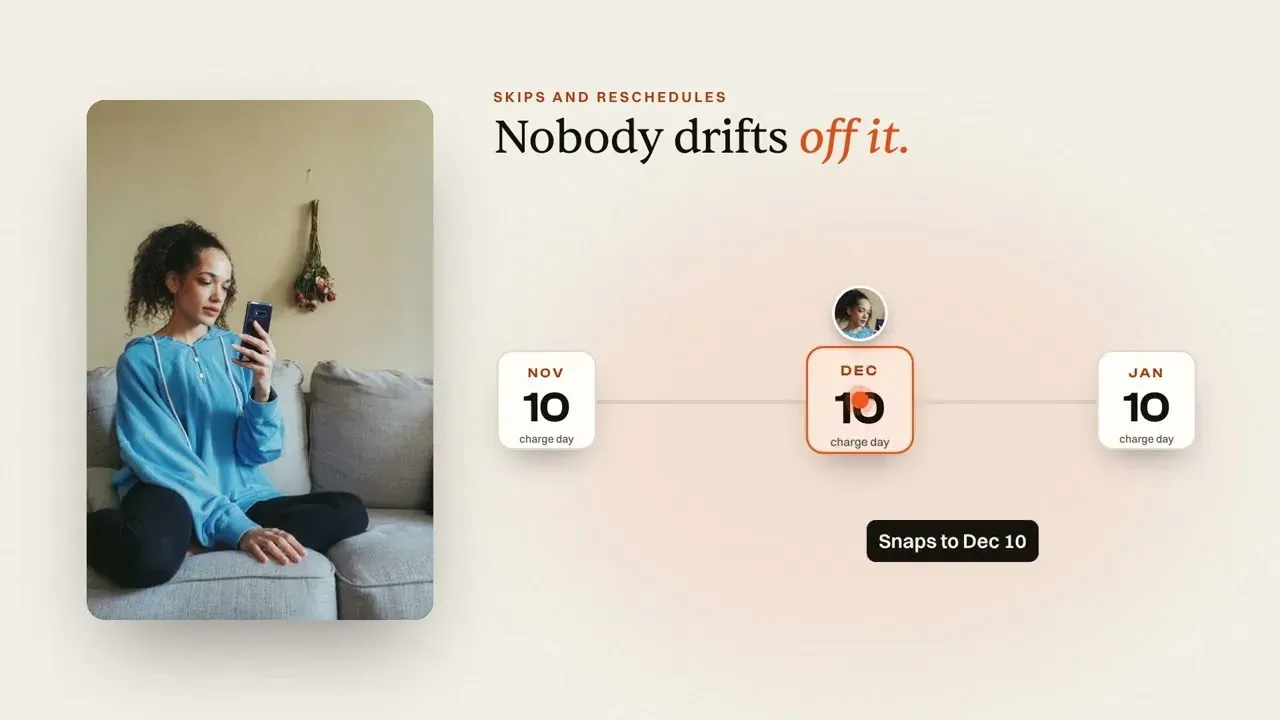 2:31How-toOne charge day for every subscriberWhy Is Every Subscriber Charged on a Different Day? (Shopify Fix)
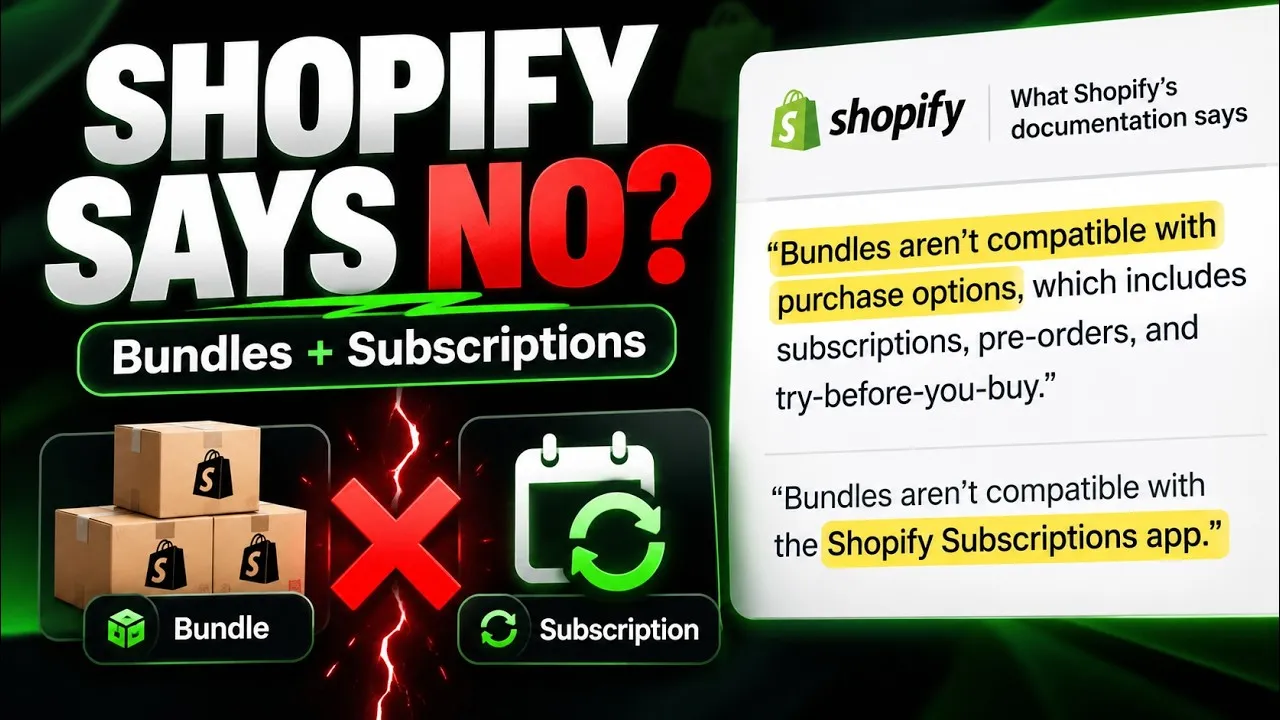 2:22How-toSell a box on subscription when Shopify's bundles can'tShopify Bundle Subscriptions 2026: Sell the Box Shopify Says You Can't
 2:20How-toFive settings that cut subscription box cancellations5 Ways to Cut Subscription Box Cancellations on Shopify (No Developer)
 2:37PlaybookFour decisions to make before you launch a subscription boxHow to Start a Subscription Box Business in 2026 (4 Crucial Steps)
 2:45PlaybookOne month of a subscription box business, lived twiceHow to Run a Subscription Box Business on Shopify 2026 (Without the Manual Work)
New videos land on Curobi's YouTube channel first.
Seen enough? Try it on your own store.
Install free, create one plan, and see it on your own product page. Free up to 50 active subscriptions, 0% transaction fees on every plan.