

Videos2:45
One month of a subscription box business, lived twice
What does running a subscription box business on Shopify actually look like, day by day? We live one month twice: once without Curobi, once with it.
November 1st to the 28th of a real-feeling box business: building the box, a subscriber who wants to skip, charge day, a failed card, the night before packing, a cancellation and the end-of-month scramble. Each day shows the manual way first, then what Curobi does instead, all on Shopify's own subscriptions and checkout.
In this video
- Curate the box once and every subscriber's next order updates itself
- Skips, pauses, swaps and date changes in the subscriber's own portal
- Regular renewals, or fixed calendar billing if you choose it: one charge day, ship day and cutoff
- Failed card: retries on day 2, 4 and 7, a secure card-update link, then a pause
- Safe-to-send check, one packing day, a pause or skip before cancel, and next month already planned
Key moments
- 0:00One month in a subscription box business, lived twice
- 0:15Nov 1: build the box once (curated boxes)
- 0:32Nov 6: a subscriber skips in the customer portal
- 0:48Nov 10: charge day and fixed calendar billing
- 1:06A failed card: retries, card update, pause
- 1:25Nov 19: safe-to-send stock check
- 1:40Nov 20: one packing day, one shipment
- 1:50Nov 24: cancel flow with a pause or skip first
- 2:05Nov 28: next month's box already planned
- 2:17The month runs you, or you run the month
Go deeper
Plans. Boxes and fixed calendar billing are on Pro; retries and save offers on Starter and up; the portal on every plan. 0% Curobi transaction fees. Compare plans.
Questions this video answers
- How do you manage a subscription box business on Shopify?
- Plan the box ahead, let subscribers self-serve skips and pauses, recover failed cards automatically and check stock before you pack. A box-first subscription app such as Curobi does each of these inside Shopify.
- What happens when a subscriber's card fails in Curobi?
- Curobi retries on day 2, 4 and 7, emails a secure Shopify link to update the card, and pauses the subscription instead of cancelling it if every retry fails.
- Does every subscriber have to be charged on the same day?
- No. Rolling renewals are the default. Fixed calendar billing is an option you can switch on per plan.
More videos
All videos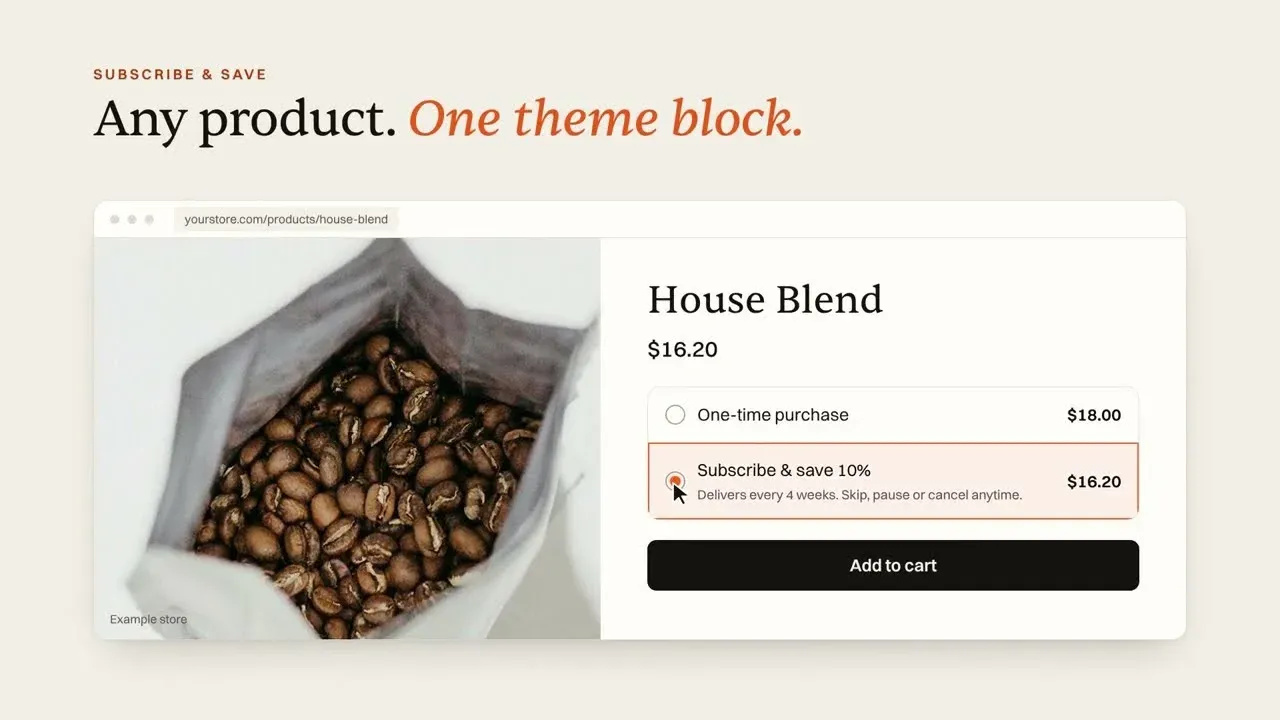 2:10Curobi in two minutesShopify Subscription App for Subscription Boxes | Curobi
 1:15Curobi in 74 secondsShopify Subscription Box App in 74 Seconds | Meet Curobi (2026)
 2:22Where a box business loses subscribers, and what Curobi doesStop Losing Subscribers on Shopify: Curobi Subscription App Explained
 2:19Three ways to sell a subscription box on ShopifyShopify Subscription Box App Demo: Curated, Build-a-Box, Mix & Match
Try it on your own store.
Install free, create one plan, and see it on your own product page. Free up to 50 active subscriptions, 0% transaction fees on every plan.