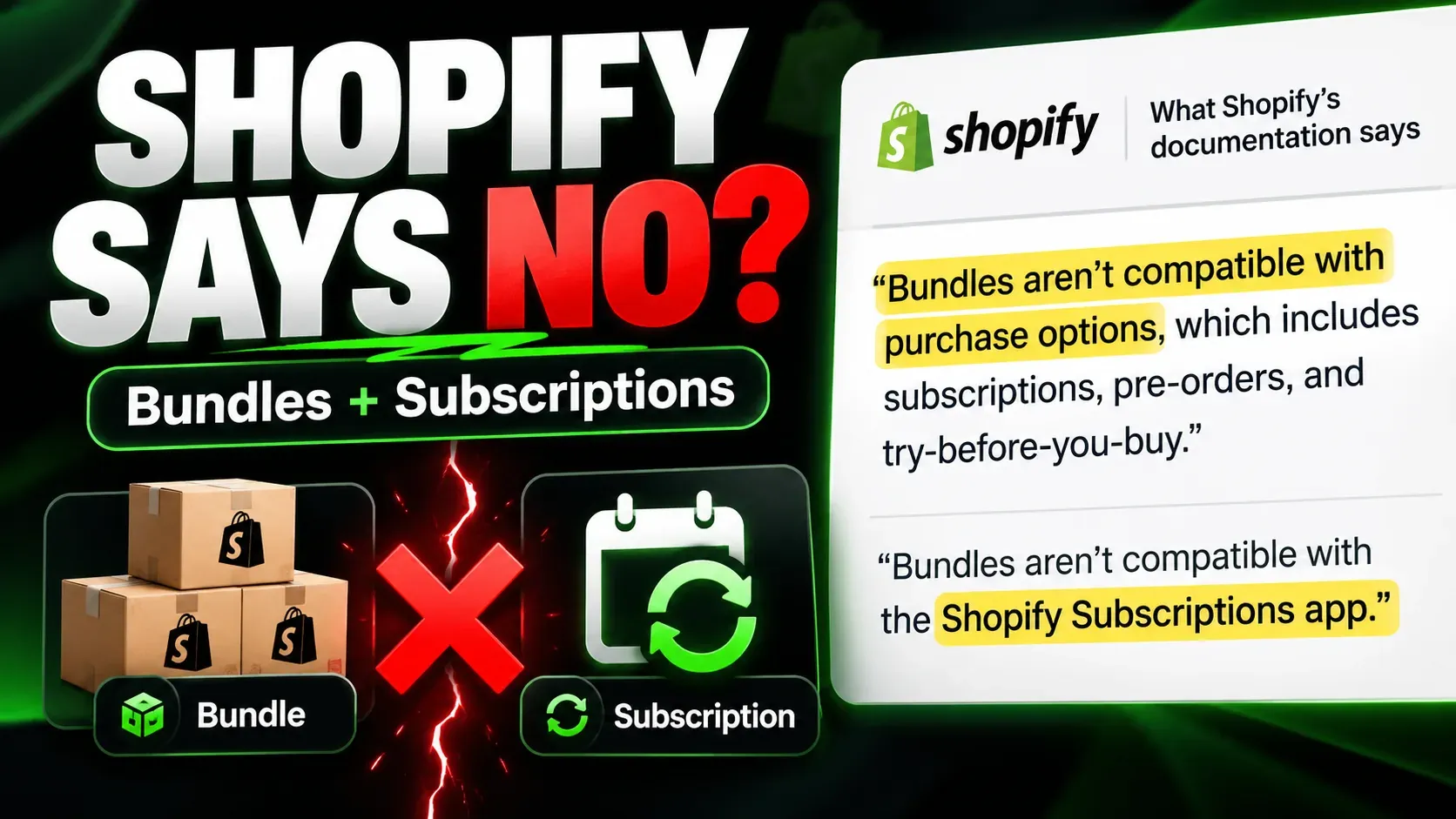

Best Shopify subscription app (2026): real costs

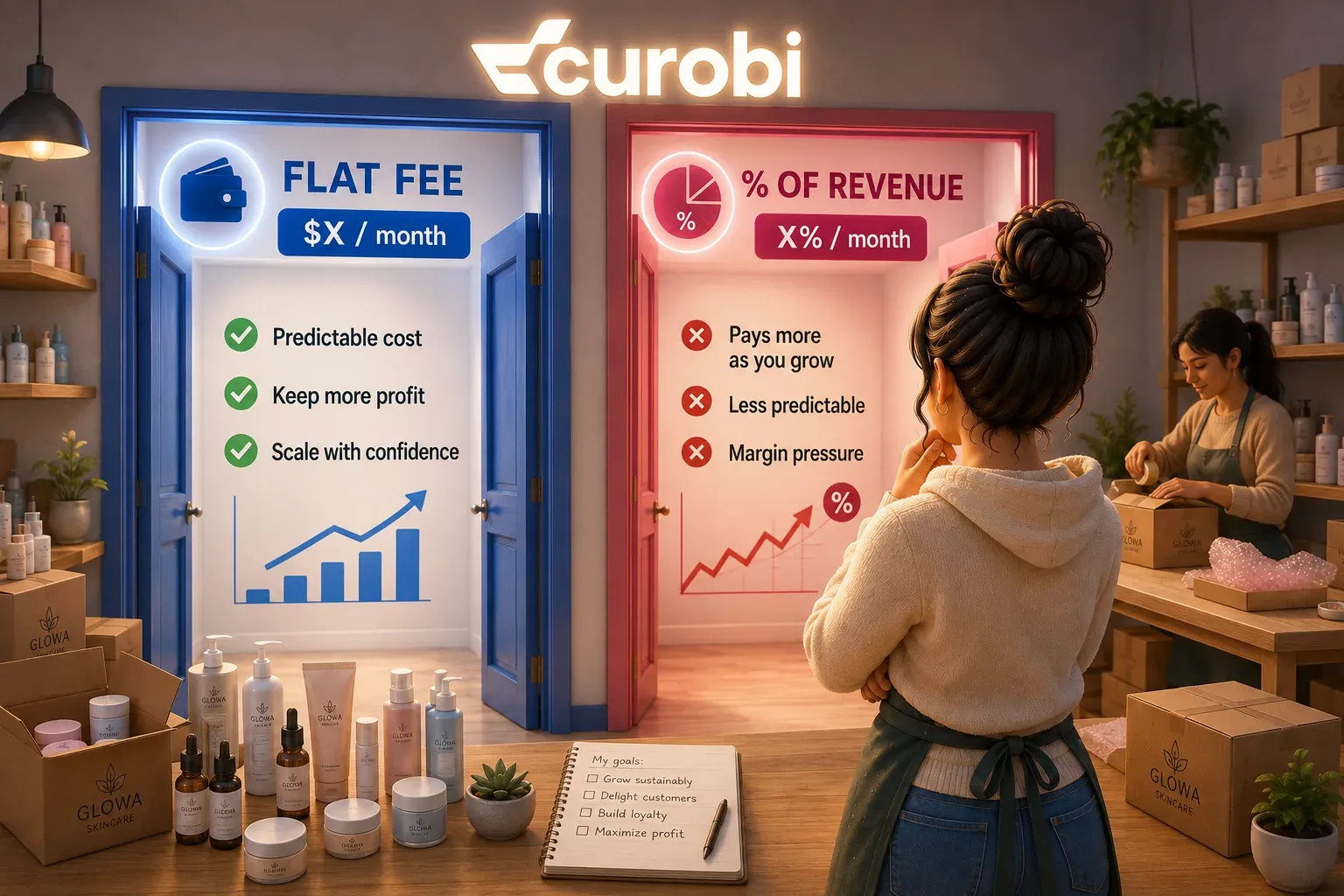
There is no single best Shopify subscription app, because the apps have largely converged on core functionality and now differ mainly in two things: their pricing model and their box-building depth. The apps that charge a flat monthly fee with 0% transaction fees are Appstle, Seal, Curobi, and Shopify’s own free app; the apps that charge a monthly fee plus a percentage of every recurring order are Recharge, Loop, Bold, and Skio.
Search for the best Shopify subscription app and almost every result you get is published by a subscription app vendor, and almost every one of them concludes that its own product is the answer. We should say up front that Curobi is a subscription app too, so this article has the same conflict of interest as the rest of them.
The way around that is not to promise objectivity. It is to give you the underlying numbers, pulled from each vendor’s live Shopify App Store listing, plus the decision rule that produces the answer — so you can reach a conclusion that has nothing to do with what we would prefer. In several of the scenarios below, the answer is not Curobi, and the article says so.
Quick answer: which Shopify subscription app is best in 2026?
The right app depends on two things: how it charges you, and whether it can run a box. Nearly every app on the Shopify App Store can create a recurring selling plan, put a subscribe widget on a product page, and give customers a portal to skip, pause, or cancel. Those are no longer differentiators. What still differs is:
- How they charge. The field splits cleanly into flat-fee, 0% apps (Appstle, Seal, Curobi, and Shopify’s own free app) and percentage-of-revenue apps (Recharge, Loop, Bold, and Skio, which Recharge now owns).
- Whether they can run a box. Curated “our choice” boxes, build-your-own boxes, rotation, and billing cutoffs are where the free and budget apps thin out fastest.
- How well they fight churn. Failed-payment recovery, cancellation save flows, and cohort analytics vary far more between apps than the basic subscribe flow does.
A useful short answer by profile: Shopify’s free native app if your program is simple replenishment; Seal or Appstle if price is the deciding factor; Loop or Recharge if you want the deepest enterprise feature set and can accept a percentage fee; Curobi Subscriptions & Boxes if you need curated and build-your-own boxes plus retention tooling at a price that does not scale with your revenue.
The 2026 field, with verified pricing
The table below uses each vendor’s published pricing as shown on its Shopify App Store listing, retrieved 13 August 2026. The Skio row was added on 26 October 2026, from Skio’s listing and its pricing page. Pricing and ratings change — confirm on the listing before you commit.
| App | Entry tier | Paid plans | Transaction fees | Fee model | App Store rating |
|---|---|---|---|---|---|
| Shopify Subscriptions (native) | Free | None — the app is free | 0% (payment processing only) | No app fee | 3.7 ★ (739 reviews) |
| Seal Subscriptions | Free up to 50 subscriptions | $5.95 / $9.95 / $24.95 per month (100 / 250 / 500 subscriptions) | 0% on every plan | Flat, tiered by subscriber count | 4.9 ★ (2,948 reviews) |
| Appstle Subscriptions | Free up to $500/mo subscription revenue | $10 / $30 / $100 per month (up to $5k / $15k / $100k monthly revenue) | 0% on every plan | Flat, tiered by revenue | 5.0 ★ (8,178 reviews) |
| Curobi Subscriptions & Boxes | Free up to 50 active subscriptions, with a one-time 14-day trial of selected paid features | $9.99 Starter (up to 250 active subscriptions) / $19.99 Growth / $29.99 Business / $69.99 Pro (unlimited) per month | 0% on every plan | Flat, not tiered by revenue | New — no rating yet |
| Bold Subscriptions | 30-day free trial | $24.99 Launch / $49.99 Grow / $74.99 Scale per month | 2% / 1% / 0.9% | Percentage of revenue | 4.0 ★ (377 reviews) |
| Loop Subscriptions | Free up to 50 active subscriptions | $99 Starter / $399 Pro per month | 0% free tier, then 1.0% / 0.75%, no per-order fee | Percentage of revenue | 5.0 ★ (688 reviews) |
| Recharge | $25/mo, first 50 subscribers, 0% fees | $99 Starter / $499 Plus per month | 0% on the $25 tier, then 1.49% + 19¢ / 1.34% + 19¢ per transaction | Percentage of revenue | 4.8 ★ (2,954 reviews) |
| Skio (a Recharge company since April 2026) | None listed | $599 Scale per month, or $5,988 a year; Enterprise priced on request | 1% + 20¢ on orders involving a subscription | Percentage of revenue | 5.0 ★ (244 reviews) |
Sources, all retrieved 13 August 2026: Shopify Subscriptions, Seal Subscriptions, Appstle Subscriptions, Bold Subscriptions, Loop Subscriptions and Recharge on the Shopify App Store, plus Loop’s pricing page. Skio row: Skio on the Shopify App Store and Skio’s pricing page, retrieved 26 October 2026.
Two notes on reading that table. Ratings are not comparable across apps with very different install bases and ages, so treat them as a signal about support quality rather than a ranking. And Seal’s published tiers stop at 500 subscriptions, which is a real ceiling to plan around rather than a footnote.
What actually changed in 2026: the entry price stopped mattering
The most useful thing in the table is not any single row. It is that six of these apps now let a store with 50 or fewer subscribers run for $0 to $25 a month with no transaction fee — Shopify’s native app, Loop’s Free Forever tier, Seal’s free tier, Appstle’s free tier up to $500 in monthly subscription revenue, Curobi’s Free plan up to 50 active subscriptions, and Recharge’s $25 small-store tier.
That is a genuine shift. A few years ago, “which app is cheapest to start with” was a real question with a real answer. In 2026 it is close to a solved problem: at 50 subscribers, nearly everything is free or near-free, including Recharge and Loop, two of the most expensive platforms at scale. Skio is the exception: it lists no free or entry plan, and Scale starts at $599 a month. The free tiers are customer-acquisition instruments, and they work.
The consequence for your decision is specific: the entry price tells you almost nothing, so do not choose on it. The number that separates these apps is what you pay at the subscriber count you expect to reach, not the one you have today. Here is the same field at 500 active subscribers paying $40 a month, which is $20,000 in monthly recurring revenue:
| App | Plan at this volume | Monthly cost | Annual cost |
|---|---|---|---|
| Shopify Subscriptions (native) | Free | $0 | $0 |
| Seal | Legend (up to 500 subs) | ~$25 | ~$300 |
| Curobi | Growth (unlimited, no boxes) | $19.99 | ~$240 |
| Curobi | Pro (adds curated and build-your-own boxes) | $69.99 | ~$840 |
| Appstle | Business Premium | $100 | ~$1,200 |
| Bold | Grow ($49.99 + 1%) | ~$250 | ~$3,000 |
| Loop | Starter ($99 + 1.0%) | ~$299 | ~$3,588 |
| Recharge | Starter ($99 + 1.49% + 19¢) | ~$492 | ~$5,904 |
| Skio | Scale, billed annually ($5,988 a year + 1% + 20¢) | ~$799 | ~$9,588 |
| Skio | Scale, billed monthly ($599 + 1% + 20¢) | ~$899 | ~$10,788 |
Illustrative model using the published pricing above, an assumed $40 monthly order value, and one order per subscriber per month. Your real cost depends on your own order value, order count, and plan tier. All figures rounded.
The spread between the cheapest paid app and the most expensive is roughly $880 a month at the same volume, for software doing broadly the same job — and the percentage-fee end of that range keeps climbing as you grow, while the flat end does not. If you want the full break-even arithmetic and the crossover points, we work it through in flat fee vs. percentage of revenue, and the single-app version in how much Recharge actually costs.
It is worth saying plainly what that table shows about us: at 500 subscribers, Shopify’s native app costs nothing, and Seal costs less than the Curobi plan that runs boxes. Curobi’s Growth plan sits alongside Seal for plain subscriptions, but curated and build-your-own boxes need Pro at $69.99. Curobi is not the cheapest app on this list and does not claim to be. Its case is the next section.
One change this table does not price is where the purchase happens. Shopify’s AI shopping channels list subscriptions as unsupported at checkout today, so what an agent can see of your selling plans — and where the sale actually completes — is a question no app on this list has solved yet. We looked at what is and is not supported in can AI agents buy your Shopify subscription?
What actually differs between these apps
If pricing is one axis, capability is the other — and it is where the honest differences live. Four things separate the apps far more than the basic subscribe flow does.
Whether it can run a curated box. A curated box is one where you decide what ships each cycle and the whole cohort advances through a rotation you set. Shopify’s native app has no box builder at all. The budget apps handle fixed recurring SKUs well but get thin around rotation, cutoffs, and finite inventory. This matters enormously if you sell coffee, wine, or anything seasonal, and not at all if you sell one repeat-purchase SKU.
Whether customers can choose. A build-your-own box lets subscribers assemble their own selection and set preferences, which is the direct answer to “I keep getting products I didn’t want” cancellations. Most mid-tier and above apps offer some version; check which plan it sits on before you sign, because it is a common upsell gate.
How seriously it treats involuntary churn. Expired and declined cards produce cancellations that have no product problem behind them. Smart retry schedules, dunning emails, and card-update flows differ sharply in quality across these apps, and the free tiers are usually where recovery is weakest. We cover why this matters more than most merchants assume in failed payments are quietly costing you subscription revenue.
Whether it tries to save a cancellation. A cancellation save flow that offers skip, pause, a smaller size, or a longer interval at the moment someone clicks cancel is one of the highest-leverage features in subscription commerce, precisely because it intercepts a customer who is already leaving. Shopify’s native app does not have one. Implementations elsewhere range from a genuine builder to a confirmation dialog.
If none of those four apply to your business, you should be looking hard at the free and cheap end of the table and ignoring everything else.
A decision framework: which app fits which merchant
- Start on Shopify’s native Subscriptions app if you are testing whether subscriptions work for your products at all. It is free, it bills on native checkout, and it is enough for simple recurring delivery. Plan to leave before you need boxes, real recovery, or cohort reporting — the exact ceilings, with Shopify’s own documentation behind each one, are in Shopify Subscriptions vs. a subscription app.
- Choose Seal if you want the lowest credible paid price, your plans are straightforward, and you will stay under 500 subscriptions for the foreseeable future.
- Choose Appstle if you want 0% fees with a deeper feature set than Seal and you are comfortable with pricing that steps up as your subscription revenue grows.
- Choose Loop if you want a modern, independent, feature-dense platform closest to Recharge in capability, and the percentage fee is acceptable to you as the cost of that depth.
- Choose Recharge if you need the largest ecosystem, the most third-party integrations, and enterprise support, and your margins can absorb 1.49% + 19¢ on every recurring order indefinitely.
- Choose Curobi if you need curated boxes, build-your-own boxes, save flows, and failed-payment recovery together (all on its Pro plan), and you want the price to stay the same whether you do $5,000 or $100,000 a month in recurring revenue.
- Do not choose on the entry price. Every app in this list is cheap at 50 subscribers. Model the cost at the volume you are actually building toward.
If you are looking for an alternative to the app you already have
Most people searching this question are not choosing their first app. They are unhappy with the one they have. The right alternative depends entirely on which thing went wrong.
Leaving because of the fee bill. This is the most common trigger, and the fix is structural rather than a matter of negotiating a better rate: move to a flat-fee, 0% app. Seal, Appstle, and Curobi all qualify, and the annual difference at the volumes in the table above is real money. Our guide to avoiding Shopify subscription transaction fees covers what does and does not actually reduce the bill.
Leaving because of consolidation. Recharge acquired Skio on 30 April 2026, which removed the market’s best-known independent challenger. Both companies have said the platforms keep running, so this is a reason to re-evaluate rather than an emergency — we set out the stay, wait, or move decision in Skio vs Recharge after the acquisition.
Leaving because the app cannot run your product. If your subscription is a rotating box rather than a fixed replenishment, generic subscription apps will keep fighting you no matter how much you pay them. That mismatch, and what to look for instead, is covered in Recharge alternatives for coffee roasters and in the coffee-specific view at Curobi for coffee. Coffee is the sharpest version of the problem, not the only one — the same mismatch shows up in beauty, pet, supplements, and every other category where the box changes month to month, which is what the solutions hub walks through vertical by vertical.
Leaving because you hit the native ceiling. If you started on Shopify’s free app and are now blocked on boxes, recovery, or analytics, you are the most common upgrade path in this market, and almost every option above is a step up. Shopify Subscriptions vs. a subscription app lists the specific triggers.
Whichever way you go, the switch is the risky part, not the choice. Read how to switch subscription apps without losing subscribers before you touch anything live, and understand why migration lock-in keeps merchants overpaying so you can price the cost of staying honestly against the cost of moving.
How to evaluate a shortlist properly
Feature grids are unreliable, because every vendor writes its own. A better process takes about a week:
- Write down your twelve-month subscriber target, then compute each candidate’s monthly cost at that number using the published pricing. Not today’s cost. That single calculation eliminates most of the list.
- Name the two or three capabilities you would actually leave over — a curated rotation, a build-your-own box, save flows, cohort analytics — and confirm which plan tier each candidate puts them on. Features gated behind a higher plan are a price change, not a feature.
- Install the free tier or trial and build one real plan, end to end, with your own products. Most disqualifying limitations surface within an hour of real setup and never appear on a comparison page.
- Test the customer portal as a customer. Skip a delivery, change a date, swap a product, update a card. This is where subscribers actually live, and quality varies more here than anywhere else.
- Ask support one hard question before you buy. How they answer a pre-sales question about migration or dunning is the best available preview of how they will answer when something breaks at 2am.
- Ask how migration out works. A vendor that answers that question straightforwardly is telling you something about the next few years.
How Curobi fits
Curobi Subscriptions & Boxes is an independent Shopify subscription app, with five flat plans billed every 30 days through Shopify: Free up to 50 active subscriptions, Starter at $9.99 up to 250, then Growth at $19.99, Business at $29.99 and Pro at $69.99 with unlimited subscriptions, and 0% transaction fees on every plan. The Free plan includes a one-time 14-day trial of Starter’s tools, cohort analytics and Curated Boxes (a box program pauses when the trial ends unless you move to Pro), and CSV migration from Recharge, Appstle, Loop, Bold, or Seal is included on Business and up. It bills on Shopify’s native checkout, which keeps Shop Pay, Local Pickup, and Local Delivery working normally.
It was built around the four capabilities in the section above rather than around a feature checklist: curated boxes that advance a whole cohort through a rotation you set, build-your-own boxes with per-subscriber preferences, failed-payment recovery with retry and dunning, cancellation save flows that offer skip and pause at the moment of cancellation, and subscription analytics with cohort and lifetime-value reporting. Retries and save flows start on Starter, cohort and lifetime-value reporting on Growth, and the boxes on Pro. The flat price is the point: it is the same whether you run $5,000 or $100,000 a month in recurring revenue.
Where Curobi is not the right answer. If your only criterion is the lowest monthly price, Shopify’s native app is free and Seal undercuts Curobi’s paid plans at up to 250 subscriptions — pick one of those. If your program is a single repeat-purchase SKU with no box, no rotation, and no meaningful churn problem, you do not need what Curobi adds. And if you need a large third-party integration ecosystem or enterprise-tier account management today, the incumbents have a longer head start there.
You can see the direct head-to-heads at Curobi vs Recharge, Curobi vs Loop, Curobi vs Appstle, and Curobi vs Seal, and the full plan breakdown on pricing. If you are still working out what these apps do in the first place, start with what a Shopify subscription app is and how they work.
Frequently asked questions
What is the best Shopify subscription app in 2026?
There is no single best Shopify subscription app, because the apps differ most in their pricing model and their box-building depth rather than in core subscription functionality. Almost every app on the Shopify App Store can create a recurring plan, show a widget on a product page, and give customers a portal to skip or cancel. The real decision is between two camps: apps that charge a flat monthly fee with 0% transaction fees (Appstle, Seal, Curobi, and Shopify’s own free app) and apps that charge a monthly fee plus a percentage of every recurring order (Recharge, Loop, Bold, and Skio). A store under about 50 subscribers can run on a free or near-free tier from almost any of them, so the choice only becomes expensive at scale. Pick by modelling your own cost at the subscriber count you expect in twelve months, then shortlist on the two or three capabilities you genuinely need.
What is the cheapest Shopify subscription app?
Shopify’s own Subscriptions app is free, and it is the cheapest option for a simple recurring-delivery program. Among third-party apps in August 2026, Seal Subscriptions is the cheapest paid option: it is free up to 50 subscriptions and then $5.95, $9.95, or $24.95 per month for 100, 250, or 500 subscriptions, all with 0% transaction fees. Appstle is free until $500 per month in subscription revenue and then $10, $30, or $100 per month by revenue band, also with 0% fees. Cheapest is not the same as best value, though — the budget apps are lighter on curated-box and rotation tooling, and Seal’s published tiers stop at 500 subscriptions.
Is Shopify’s own Subscriptions app good enough?
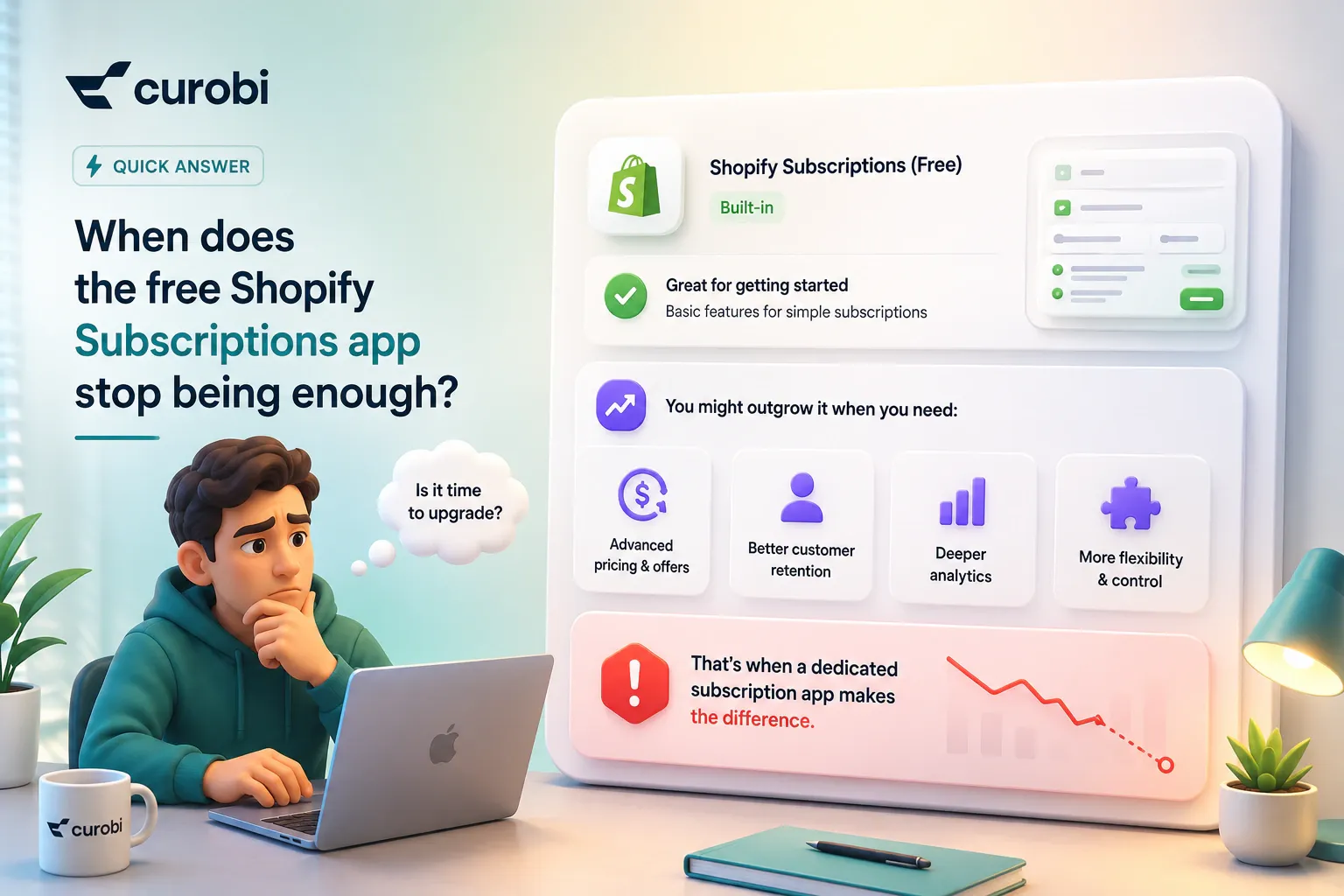
Shopify’s native Subscriptions app is free, bills on Shopify’s native checkout, and handles straightforward recurring delivery with skip, pause, and cancel. It is a reasonable starting point for a simple replenishment program. It has no curated-box or build-your-own-box builder, limited failed-payment recovery, no cancellation save flow, and thin subscription analytics, so merchants typically outgrow it once they need customers to choose products, once involuntary churn from failed payments becomes material, or once they need cohort and lifetime-value reporting. Its Shopify App Store rating of 3.7 out of 5 across 739 reviews reflects that split between a capable free baseline and a real feature ceiling.
Which Shopify subscription apps have no transaction fees?
As of August 2026, Appstle, Seal Subscriptions, Curobi, and Shopify’s own native Subscriptions app charge 0% transaction fees on every plan. Recharge charges no transaction fee only on its $25 per month tier for the first 50 subscribers; its $99 and $499 plans add 1.49% + 19¢ and 1.34% + 19¢ per transaction. Loop is free with no fee up to 50 active subscriptions, then charges 1.0% on its $99 plan and 0.75% on its $399 plan. Bold charges 2%, 1%, and 0.9% on its three tiers. A 0% transaction fee matters most at scale, because a percentage fee applies to every recurring order for as long as the subscriber stays.
What is the best alternative to Recharge in 2026?
The right Recharge alternative depends on why you are leaving. If you are leaving because the 1.49% + 19¢ transaction fee grows with your recurring revenue, move to a flat-fee, 0% app such as Appstle, Seal, or Curobi. If you are leaving because you want a comparable enterprise feature set from an independent vendor, Loop is the closest like-for-like replacement, though it keeps a percentage fee. If you are leaving because Recharge acquired Skio in April 2026 and you wanted an independent platform, note that both companies have said the two platforms keep running, so it is a reason to re-evaluate rather than to migrate immediately. If your program is simple enough, Shopify’s free native app is also a genuine option.
Can I switch Shopify subscription apps without losing subscribers?
Usually yes, but it requires a planned migration rather than a single export. The migration has to recreate your selling plans in the new app, import every subscription contract with the correct cadence and next billing date, and re-establish a valid payment authorization for each subscriber. Payment continuity is the hardest part, because payment tokens are not freely portable between apps and how each subscriber keeps billing depends on the migration path and the payment provider. The safest sequence is to recreate plans first, import contracts against them, verify every record, keep a separate list of anyone who was mid-dunning so they are not silently dropped, and only switch the storefront widget over once the data checks out.