
Shopify Subscriptions vs. a subscription app: when the free one stops being enough
Most articles that compare Shopify’s free subscription app against a paid one are written by someone selling the paid one, and they tend to make the same two mistakes: they overstate what the native app is missing, and they never explain why it is missing. This piece is written by a subscription app vendor too — so here is the useful version, with Shopify’s own documentation doing the arguing.
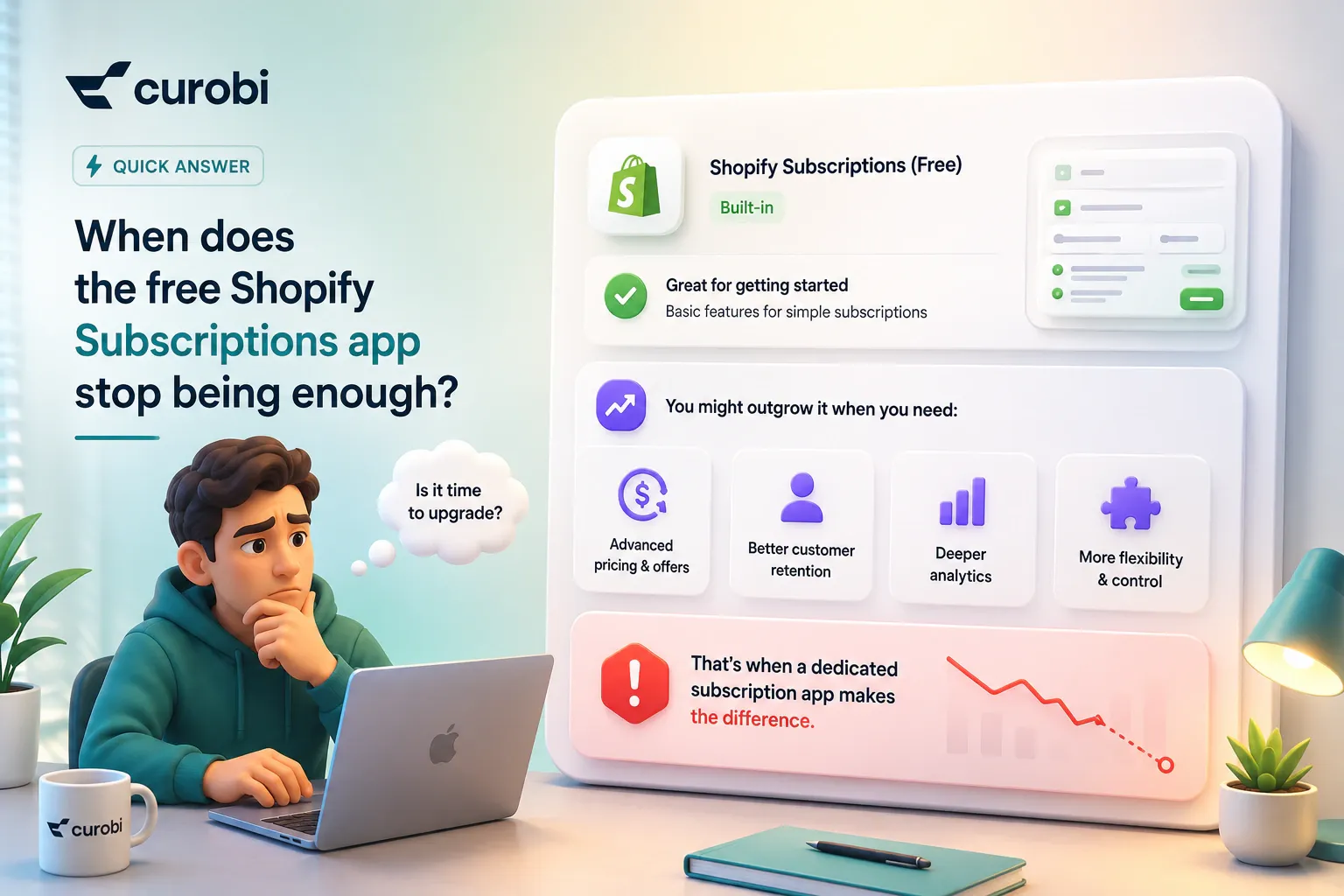
Quick answer: when does the free Shopify Subscriptions app stop being enough?
The free app is enough for a simple Subscribe & Save offer, and stops being enough at the point your program needs a plan shape or a customer action its interface does not expose. Three specific triggers, in the order merchants usually hit them:
- Customers need to change something themselves that the native portal does not offer — quantity, product swap, delivery frequency, or the date of the next order. In the native app those four requests are support tickets.
- Your plan is not “charge every month forever.” A prepaid gift that ends after three deliveries, an installment plan that stops after five charges, or a box that bills everyone on the 20th regardless of when they signed up.
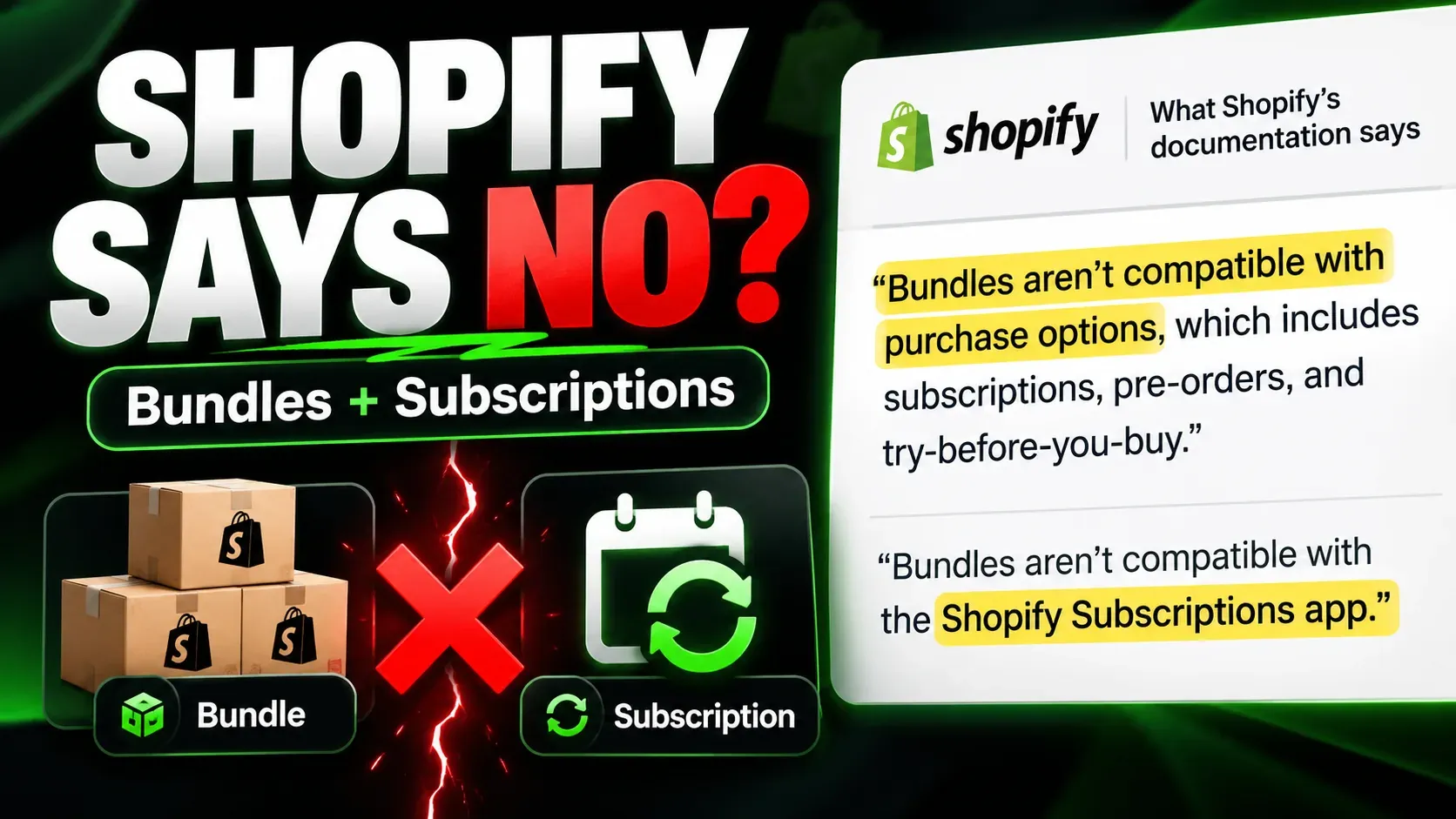
- You are running a box, not a replenishment. Curated contents, build-your-own selection, or bundles — and Shopify’s own documentation states that bundles aren’t compatible with the Shopify Subscriptions app.
If none of those describe you, the honest recommendation is to stay on the free app and spend the money elsewhere. If two or three of them do, the question is no longer whether to move but what to move to — and the useful shortlist is built from those requirements, not from a feature grid.
What the Shopify Subscriptions app actually does in 2026
Start with the thing being replaced, accurately. Shopify’s first-party app is free, listed at 3.7 ★ from 742 reviews on the App Store as of 23 August 2026, and does considerably more than most comparison pages admit.
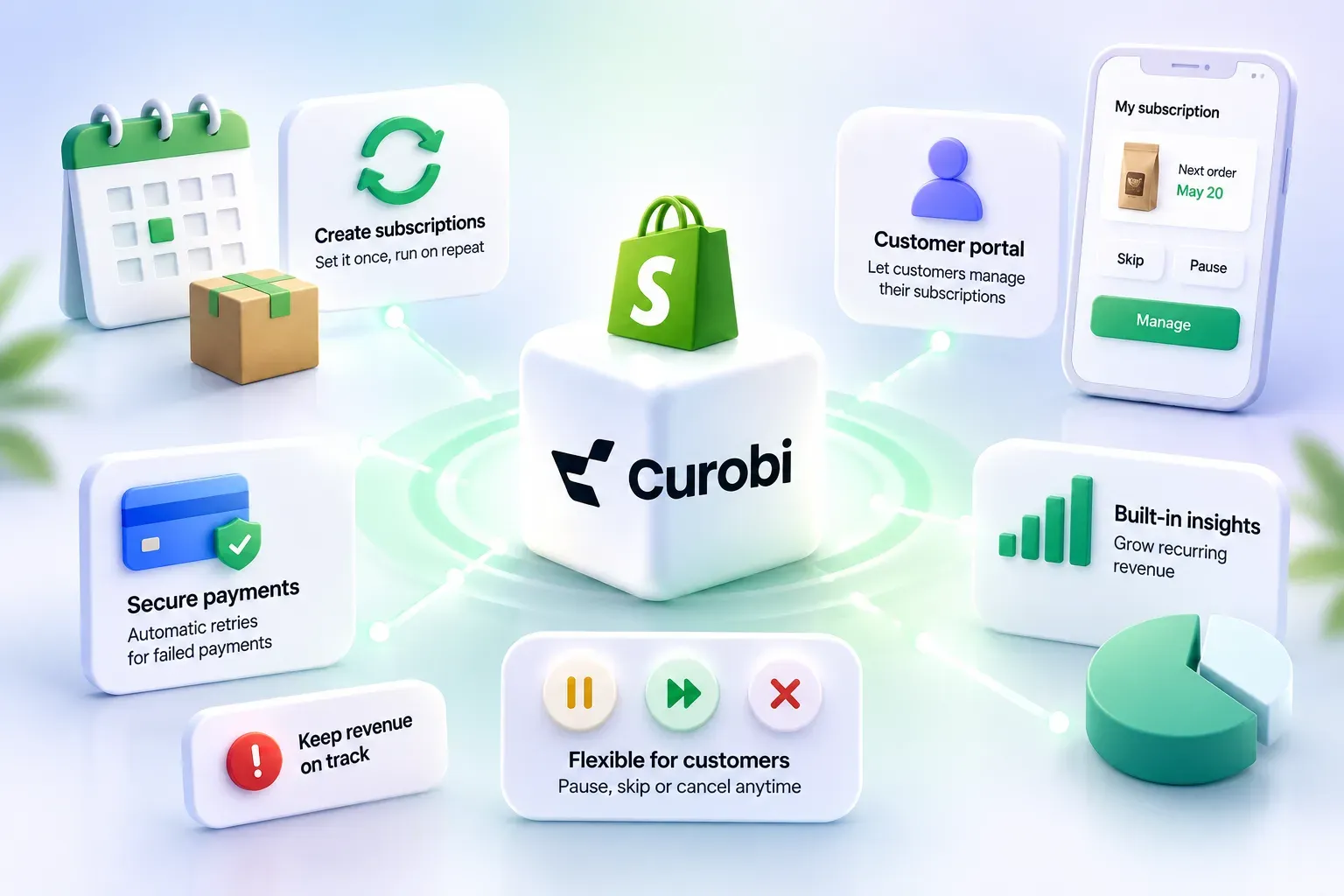
| Capability | Shopify Subscriptions (free) | Source |
|---|---|---|
| Recurring billing on native checkout | Yes — auto-billed plans renewing weekly, monthly or yearly | Help Center |
| Discounts | Dollar amount, percentage, buy X get Y, fixed amount | Help Center |
| Prepaid | Yes — a one-time advance payment for a set number of months | Help Center |
| Failed-payment retries | Yes — configurable attempt count and interval | Help Center |
| Action after retries are exhausted | Skip, pause, or cancel — merchant's choice, customer notified | Help Center |
| Customer portal | Skip, pause, resume, cancel, edit payment method, edit shipping address | Help Center |
| Merchant reporting | Active, paused and cancelled subscription analytics | Help Center |
| Bundles | Not compatible | Considerations |
| Sales channels | Online store, Shopify POS, Shop, custom storefronts | Considerations |
| Payment gateways | Shopify Payments, PayPal Express, Authorize.net, Adyen, Stripe (select merchants) | Considerations |
Two entries in that table are worth pausing on, because both are routinely reported wrongly.
The free app has dunning. Its settings include a number of retry attempts, days between attempts, and an action when all retry attempts have failed — skip, pause, or cancel — with a notification to the customer in each case. Any comparison telling you the native app “has no failed-payment handling” is wrong, and you should discount the rest of that page accordingly. What the free app genuinely lacks is everything around the retry: a figure for what the failures are worth, a split by decline reason, and a card-update campaign aimed at the subscribers whose declines are actually recoverable. The mechanism is there. The recovery workflow is not.
The free app has prepaid. Shopify documents a prepaid option where customers make a one-time advance payment for a set number of months. So “I want to sell a 3-month prepaid” is not, by itself, a reason to leave. Whether prepaid is the right shape for what you sell is a different question from whether the platform supports it — for course-based products such as supplements and Ayurvedic formulations it usually is, which we work through in the subscription models for health and wellness brands.
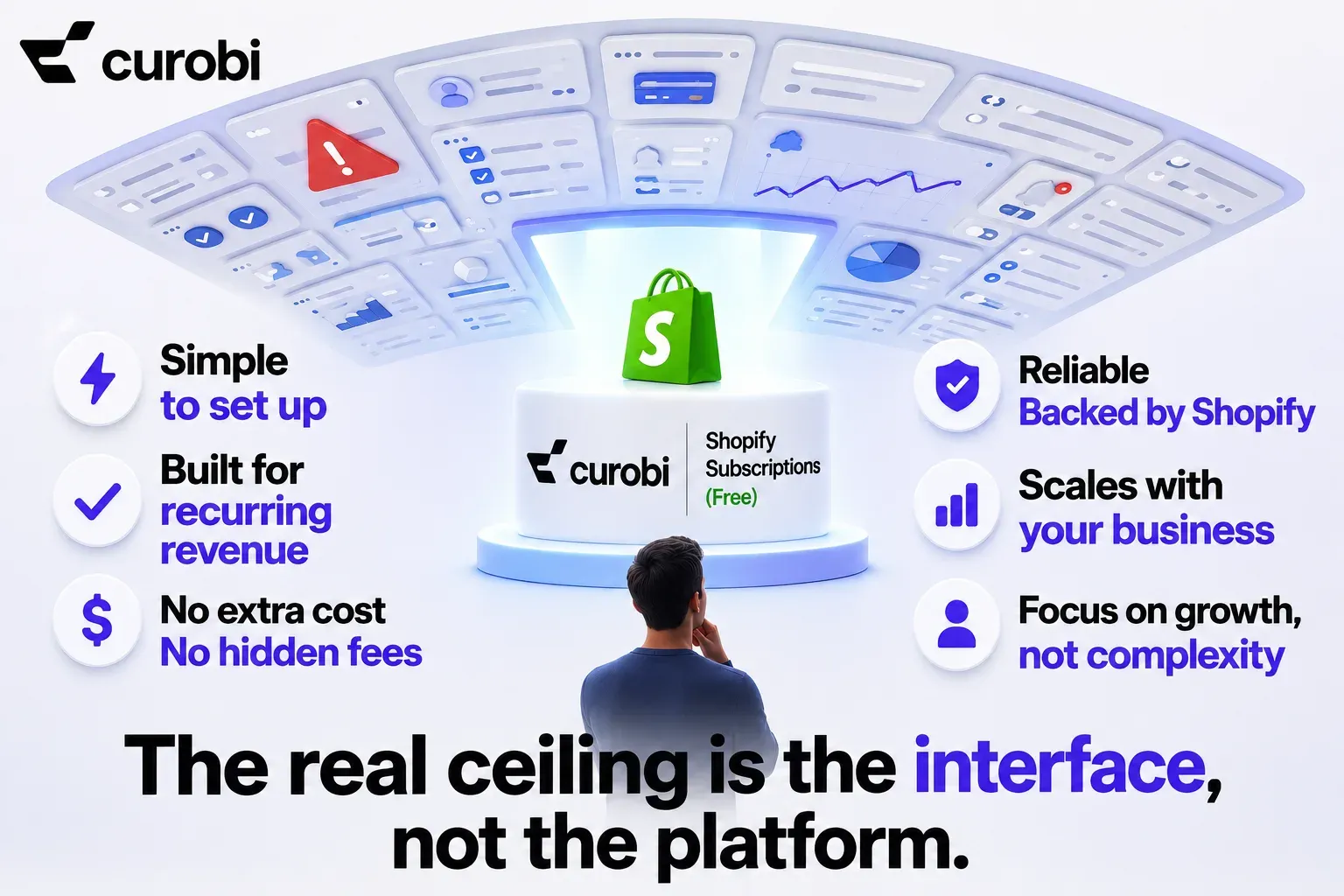
The real ceiling is the interface, not the platform
Here is the part that reframes the decision, and it is visible in Shopify’s developer documentation rather than its merchant documentation.
Shopify’s subscription platform is a set of API objects — selling plans and subscription contracts — and those objects support considerably more than the free app’s interface offers. The recurring billing policy input in the Admin GraphQL API carries four fields that most merchants assume Shopify simply cannot do:
anchors— “specific anchor dates upon which the billing interval calculations should be made.” This is the fixed billing date box operators tend to ask for: bill everyone on the 20th, not on the anniversary of each individual signup. (In Curobi this surfaces as a fixed-calendar schedule on the Pro plan: a charge day, optional months for a seasonal box, an order cutoff and a ship day.)minCycles— a minimum number of billing iterations. A three-month commitment that cannot be cancelled after the first charge.maxCycles— a maximum number of billing iterations. The five-payment installment plan that ends itself, with no manual cleanup.interval/intervalCount— the billing rhythm, which is defined separately from the delivery policy. That separation is what makes a genuine prepaid possible: bill once for twelve months, deliver once a month.
None of that is a third-party invention. It is the platform every subscription app on Shopify writes to. What differs between apps is how much of it the app’s interface hands you — and the free app currently exposes a narrower subset of those capabilities.
That is a genuinely useful reframe when you are evaluating a replacement, because it changes the question. You are not shopping for a better billing engine; on native-checkout apps, the billing engine is Shopify’s. You are shopping for the interface over it, and there are only three surfaces that matter.
It also means leaving the free app does not mean leaving Shopify’s rails. An app that writes to native selling plans and contracts keeps your checkout, your order records, and — the part merchants forget to check — your existing stack: reviews, loyalty, email and SMS, analytics and reporting apps all keep seeing subscription orders exactly the way they see any other Shopify order, because that is what they are. An app with its own hosted checkout puts a proprietary billing layer between those tools and your recurring revenue, and every integration then has to be built around it.
Surface 1: what the customer can do without emailing you
This is where merchants outgrow the free app first, and it is worth being precise about the gap.
| Customer action | Native app portal | What happens when it's missing |
|---|---|---|
| Skip the next order | Yes | — |
| Pause and resume | Yes | — |
| Cancel | Yes | — |
| Update payment method | Yes | — |
| Edit shipping address | Yes | — |
| Change quantity | No | Ticket, or the subscriber cancels and re-subscribes at the new quantity — losing their tenure |
| Swap the product | No | Ticket, or a cancellation that reads as churn but was really a preference change |
| Change frequency | No | Over-supply, which is one of the most common and most preventable reasons subscribers leave |
| Move the next order date | No | A delivery arrives while they're away; the fix they can reach for is "cancel" |
Read the right-hand column as a churn table rather than a feature table. Three of those four missing controls resolve, from the customer’s side, into the same button — the one that ends the subscription. A subscriber who wanted less coffee and could only find cancel is recorded in your analytics identically to one who left for a competitor, and the two require completely different responses. That is the practical cost of a thin portal: not the support hours, but the misattributed churn.

What merchants actually ask for. In July 2026 a Shopify Community thread asked subscription sellers what’s actually frustrating you about managing subscriptions. The answers were narrower than any feature grid. The first reply named the portal: merchants want “customers to manage their own subscriptions (skip, pause, cancel) without having to email support every time,” with payment-failure handling second. Two further replies asked for the equivalent on the merchant’s side of the glass — not more reports, but one view that makes subscription health “understandable at a glance,” surfacing failed payments, repeated skips, and cancellations that need attention. Controls in the customer’s hands, and one place to see what is going wrong. That is close to the whole list.
Surface 2: what shape your plan is allowed to take
The free app models one shape well — an ongoing recurring charge at a fixed cadence, optionally prepaid for a set number of months. Plans that need the API fields above, and an interface that exposes them, include:
- A fixed billing date for everyone. Box operators need a single cutoff so that one manifest, one purchase order, and one print run cover the whole cycle. Anniversary billing spreads that across all thirty days of the month. A curated-box founder working this out in April 2026 put the requirement plainly: “I want all active subscribers to be charged on the 20th so I have a locked-in manifest by the 21st.”
- A term that ends by itself. Gift subscriptions, course-style programmes, and installment plans. A merchant selling a five-month installment plan filed exactly this as a feature request in April 2026, noting that Shopify Subscriptions “currently does not support automatic subscription termination after a set number of cycles.” Without
maxCycles, “ends after three deliveries” is a recurring calendar reminder and a manual cancellation. - A term that cannot end early. The merchant selling a discounted three-month plan and discovering a subscriber cancelled after month one has, in effect, sold a single discounted order.
- Anything with more than one product in it. Curated boxes, build-your-own, mix-and-match — and here the free app has a documented hard stop: bundles are not compatible with it.
Surface 3: what you can see, and what it costs you to leave
The free app reports active, paused and cancelled subscriptions. That answers “how many,” which is the least actionable question in subscription operations. It does not answer what your revenue at risk is this week, which cohort is churning, what the failed renewals are worth, or whether next month’s box has enough stock behind it. If you want the full list of what a recurring store should actually be measuring, we wrote that up separately in Shopify subscription analytics.
And then there is the exit cost, which almost nobody prices in when they choose “free.”
Shopify’s Help Center states that when you uninstall the Shopify Subscriptions app, the subscription plans and contracts you created in it — along with any discounts that use Shopify Subscriptions — are deleted and no longer accessible.
That is not an argument against starting on the free app. It is an argument for a specific ordering when you leave it: export first, import second, verify third, uninstall last. Contracts hold your next billing dates, your prices, and the payment method associations that keep subscribers from ever re-entering their card. Pull that data out and confirm it has landed in the destination before you remove anything. The general version of this sequence — what has to move, how payment continuity works, and where migrations usually go wrong — is in our subscription app migration guide.
Five signs you have outgrown the native app
A checklist you can answer in five minutes. It is built from operational symptoms — what your inbox, your cancellations and your packing bench are telling you — rather than from a feature matrix:
- Your support inbox has a subscription category. Count the tickets that are a customer asking you to change a quantity, swap a product, or move a date. Each one is a control you could have given them.
- Cancellations spike before a renewal, not after a delivery. That pattern usually means over-supply or bad timing, both of which are frequency and reschedule problems wearing a churn costume.
- You cannot say what your failed renewals were worth last month. Retries running is not the same as recovery being managed.
- Your fulfilment is fighting your billing calendar. If you are packing boxes across thirty different anniversary dates because there is no shared cutoff, the app is dictating your operations.
- You have written “we’ll do that manually for now” more than twice. Manual cancellation of finished terms, manual quantity edits in the admin, manual box swaps. Manual scales linearly with subscribers; that is the definition of outgrowing a tool.
Zero or one of these: stay. Two or three: start writing requirements. Four or five: you are already paying for the upgrade in labour — the cost has just moved from a line item into your week, where it is harder to see.
Build the requirements list before you compare brands
The most expensive way to choose a subscription app is to compare feature grids. The cheapest is to write down what your program needs and check candidates against it. A workable list has six lines:
| Requirement | Write down your actual answer |
|---|---|
| Plan shapes | Ongoing, prepaid, fixed-term, minimum term, or a fixed billing date? |
| Portal controls | Which of skip / pause / cancel / swap / quantity / frequency / reschedule must be self-service? |
| Box logic | Curated, build-your-own, or none? If curated: what is the cutoff rule? |
| Recovery | Retries only, or retries plus a card-update campaign and a value on the failures? |
| Checkout rails | Native Shopify checkout, or a hosted checkout? This decides gateway and channel compatibility. |
| Cost at your size | Flat fee, or a percentage of every recurring order? Model it at 3× your current volume. |
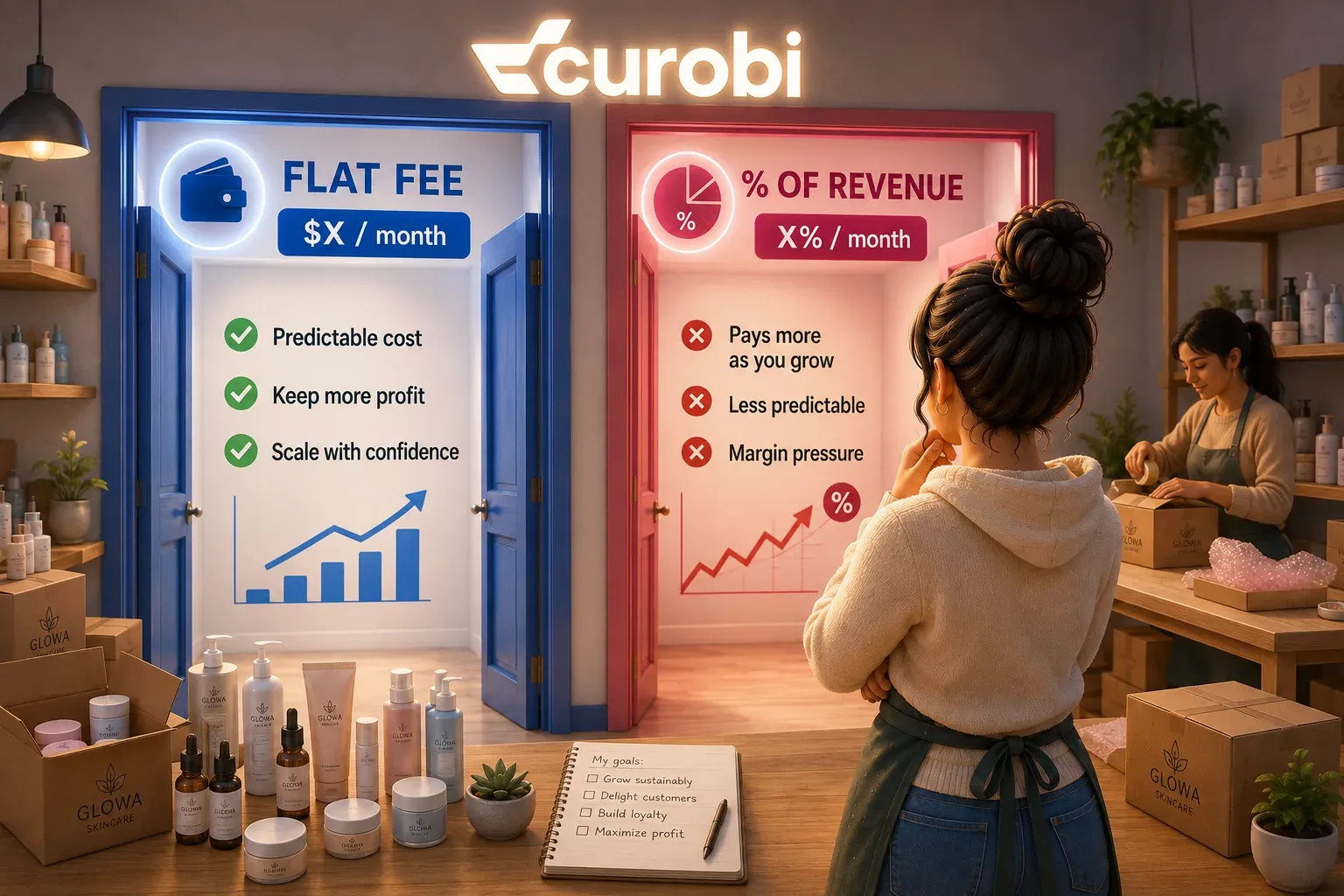
That last line is the one that changes answers most often as a store grows, and we have modelled it in detail in flat fee vs. percentage of revenue. The short version: a percentage fee is cheapest when your subscription revenue is small and gets steadily more expensive at exactly the point the program starts working. For the current published prices across the field — Recharge, Loop, Appstle, Seal, Bold, Skio and the native app — see the 2026 pricing comparison.
Shopify Subscriptions vs Recharge
Recharge is the app most merchants price first when the free one runs out, so it is worth setting the two side by side. The Shopify Subscriptions column comes from the Help Center pages cited above, checked 23 August 2026. The Recharge column comes from Recharge’s pricing page, its App Store listing and its billing help article, checked 25 October 2026.
| Shopify Subscriptions | Recharge | |
|---|---|---|
| Monthly fee | Free | $25 for stores that first installed on or after 9 February 2026, until they pass 50 lifetime subscription customers; then Starter at $99, or Plus at $499 on a 12-month term |
| Transaction fee | None (the app is free) | Starter 1.49% + 19¢ per transaction; Plus 1.34% + 19¢ |
| Failed payments | Configurable retries, then skip, pause or cancel | Failed payment recovery on Starter |
| Customer portal | Skip, pause, resume, cancel, payment method, shipping address | No-code customer portal on Starter |
| Cancellation and win-back | Customer cancels from the portal | Smart Cancellation Prevention and win-back on Starter |
| Bundles and boxes | Not compatible | Curated and customizable bundles on Plus |
| Upsell, loyalty, referrals, SMS | Not part of the app | Upsell on Starter; loyalty, referrals and Concierge SMS (billed per message) on Plus |
| Reporting | Active, paused and cancelled subscriptions | Analytics with industry benchmarks on Starter |
| Help moving in | Uninstalling deletes plans, contracts and their discounts, so export first | End-to-end migration support on Plus |
Recharge adds the recovery, retention and upsell tooling the free app leaves out, and it charges for it twice: a monthly fee, and a percentage of every recurring order. At 500 subscribers paying $40 a month, Starter comes to about $492 a month, and the percentage, not the $99, is the part that grows. The full Recharge cost breakdown works it through at five store sizes. Two details change the answer for many stores:
- If boxes or bundles are why you are leaving the free app, check the tier. On Recharge they sit on Plus, which is $499 a month on a 12-month term before transaction fees.
- The $25 plan counts lifetime customers, not active ones. Cancelled and test customers count toward the 50, and passing it moves the store to Starter for good.
Recharge is a reasonable choice if you want upsells, loyalty, referrals and SMS from one vendor and the percentage fee works at your volume. If what you mainly need is the portal controls, plan shapes and boxes this article describes, flat-fee apps cover those too. The 2026 pricing comparison lists the field, including Skio, which Recharge acquired in April 2026.
Where Curobi fits
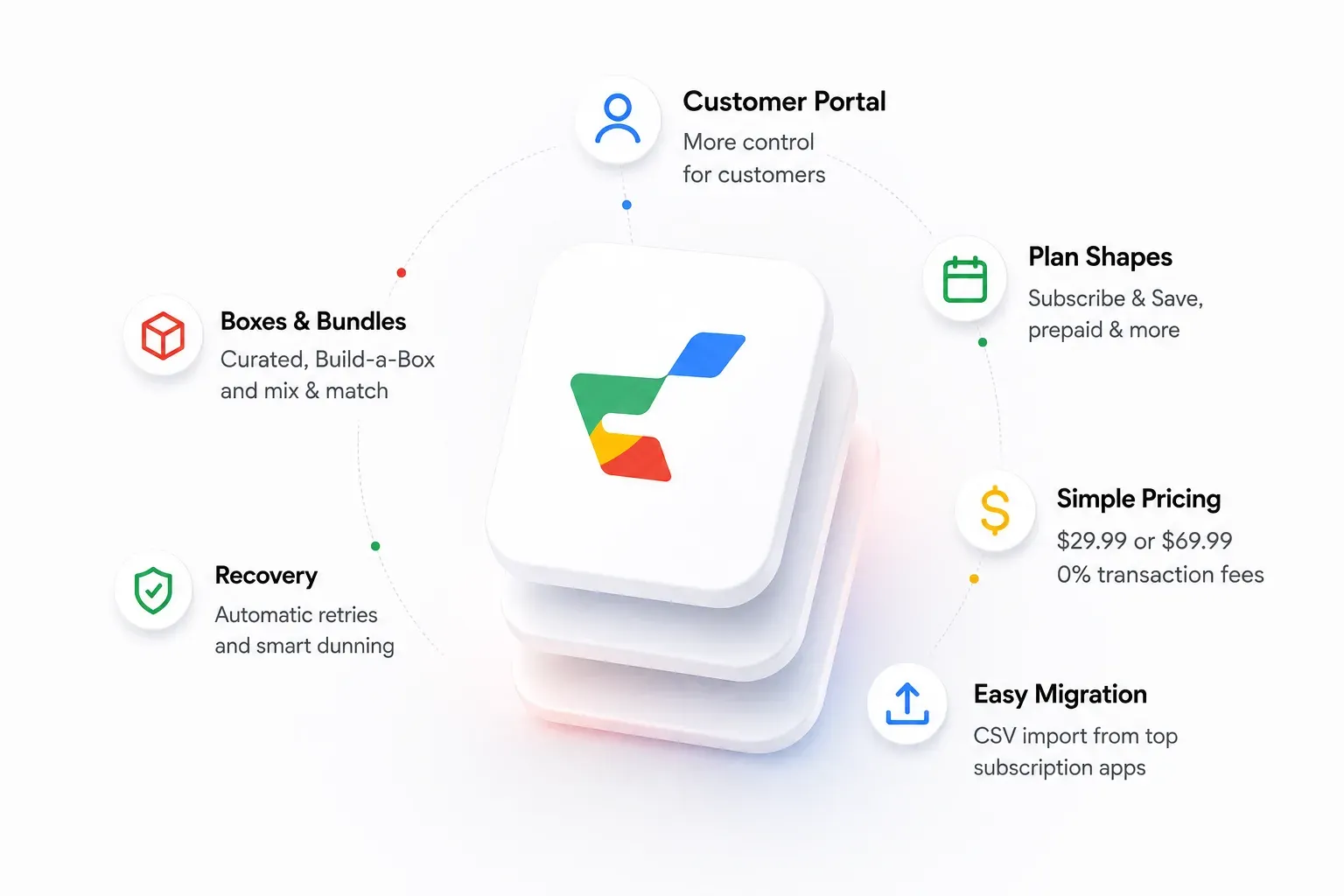
Curobi is a Shopify subscription app built on the same native rails described above: it creates Shopify selling plans and subscription contracts, billing runs through Shopify’s checkout, and Curobi never processes or stores card data. Against the three surfaces in this article:
- Portal. Skip, pause, cancel, address editing and card updates on every plan, including Free; quantity changes, product swaps and delivery-date rescheduling from Starter up. Cancellation remains a clear, reachable action — the point of a save flow is to offer a better option, not to hide the exit.
- Plan shapes. Subscribe & Save, prepaid terms, and plan-level minimum and maximum billing cycles, so a fixed-term or gift plan closes itself.
- Boxes. Curated monthly boxes and Build-a-Box on Pro, and mix-and-match bundles from Business up — the category the free app explicitly does not cover.
- Recovery. From Starter up, automatic retries at roughly +2, +4 and +7 days with a branded payment-update email, and subscriptions that pause rather than cancel when retries are exhausted.
- Price. Five flat plans billed every 30 days through Shopify: Free (up to 50 active subscriptions), Starter at $9.99 (up to 250), and Growth at $19.99, Business at $29.99 and Pro at $69.99 with unlimited subscriptions — 0% transaction fees on every plan. Because recurring charges settle on Shopify’s own billing rails, there is no per-transaction cost for Curobi to pass through.
- Getting in. CSV-based migration from Recharge, Appstle, Loop, Bold or Seal, included on Business and up rather than sold as an onboarding fee. Whether saved payment methods survive the move is the part to confirm with both vendors first — that depends on your gateway and the source app, not on the importer.
A portal your customers can actually use, plans that end when you say they do, and boxes — that is the program Curobi was built for. Start on the Free plan and set up the plan you have been working around.
Frequently asked questions
Is the Shopify Subscriptions app good enough?
For a single Subscribe & Save offer on a small number of products, yes. Shopify’s own app is free, runs on native checkout, creates auto-billed plans that renew weekly, monthly or yearly, applies dollar, percentage, buy-X-get-Y or fixed-amount discounts, lets customers skip, pause, resume and cancel from their customer account, and has configurable failed-payment retries. It stops being enough at the point where your program needs something the app’s interface does not expose — customers changing quantities, swapping products, or moving a delivery date themselves; a plan that ends after a set number of charges; a fixed monthly billing date for a box; or bundles, which Shopify’s documentation states are not compatible with the Shopify Subscriptions app.
Should I use Shopify Subscriptions or Recharge?
Stay on Shopify Subscriptions if a simple Subscribe & Save offer covers your program: it is free, retries failed payments, and lets customers skip, pause and cancel. Recharge adds failed payment recovery, Smart Cancellation Prevention, win-back and upsell tools on its Starter plan, at $99 a month plus 1.49% + 19¢ per transaction. Stores that first installed Recharge on or after 9 February 2026 pay $25 a month until they pass 50 lifetime subscription customers. Bundles, loyalty, referrals and SMS sit on Recharge Plus, at $499 a month plus 1.34% + 19¢ on a 12-month term. Because the percentage fee grows with your recurring revenue, model the cost at your own volume before you move: at 500 subscribers paying $40 a month, Starter comes to about $492 a month.
Does the free Shopify Subscriptions app retry failed payments?
Yes. This is the most common inaccuracy in subscription app comparisons. The Shopify Subscriptions app settings include a configurable number of retry attempts, configurable days between attempts, and an action when all retry attempts have failed — skip, pause, or cancel the subscription — with a customer notification sent in each case. What the free app does not give you is a view of what those failures are worth, a breakdown by decline reason, or a targeted card-update campaign. The retry mechanism exists; the recovery workflow around it does not.
What can customers actually do in the native Shopify subscription portal?
Inside Shopify customer accounts, a subscriber on the Shopify Subscriptions app can view subscription details, skip their next order, pause and resume the subscription, cancel it, change or add a payment method, and edit the shipping address. Changing quantity, swapping one product for another, editing the frequency, and moving the next order date are not customer-facing actions in the native app, so a subscriber who wants one of them has to contact you — and some will reach for cancel instead, because it is the only control in front of them.
Can I move from the free Shopify app to a third-party subscription app later?
Yes, but do not treat it as free. Shopify’s Help Center states that when you uninstall the Shopify Subscriptions app, the subscription plans and contracts you created in it, along with any discounts that use Shopify Subscriptions, are deleted and no longer accessible. Export your contracts before you uninstall anything, import them into the destination app, verify next billing dates and payment methods on a small cohort, and only then remove the old app. The order matters more than the tooling.
Do third-party subscription apps use the same Shopify billing rails?
Apps built on Shopify’s subscriptions APIs do. They create selling plans and subscription contracts through the Admin API and bill through Shopify’s checkout. That shared foundation makes a move between two such apps more tractable, but it does not make it automatic: whether saved payment methods carry across depends on the gateway, the source app, and how the contracts were created, so confirm payment continuity with both vendors before you plan the migration. Older apps that route customers through their own hosted checkout do not, and that difference is worth confirming before you shortlist anything — it affects payment-token portability, which sales channels work, whether the reviews, loyalty, email and analytics apps already in your stack keep seeing subscription orders as ordinary Shopify orders, and whether features like Local Pickup survive.
Sources
- Shopify Help Center — Shopify Subscriptions, eligibility considerations, app settings, customer experience, subscription model types
- Shopify.dev — About subscriptions, SellingPlanRecurringBillingPolicyInput
- Shopify App Store — Shopify Subscriptions listing, rating and review count retrieved 23 August 2026
- Recharge — pricing page, Shopify App Store listing, billing and pricing help article, checked 25 October 2026
- Shopify Community — Subscription sellers: what’s actually frustrating you about managing subscriptions? (6 July 2026), Subscription logic setup advice: fixed cutoff day 20th (7 April 2026), Feature request: set maximum subscription cycles with auto-cancellation (19 April 2026)
Shopify’s documentation, app ratings and app pricing change. The Shopify claims above were checked against the linked pages on 23 August 2026 and the Recharge claims on 25 October 2026 — re-check before you make a decision on them.