
What is a Shopify subscription app, and how do they work?
A Shopify subscription app lets a merchant sell products on a recurring schedule — weekly, monthly, or any cadence — and charge the customer automatically each cycle. It does this without taking the customer off Shopify’s checkout.
What is a Subscription Contract?
A Subscription Contract is Shopify’s native record of a recurring agreement between a store and a customer. It stores the products, quantity, price, delivery frequency, and next billing date. When a customer subscribes at checkout, Shopify creates the contract and schedules the recurring orders. A subscription app like Curobi reads and manages that contract — it does not replace Shopify’s billing.
How recurring billing runs
- A customer selects a subscription option on the product page.
- They check out using Shopify’s native checkout.
- Shopify creates the Subscription Contract and saves the payment method.
- On each billing date, Shopify charges the saved method and creates an order.
- If a charge fails, the app’s dunning logic retries and emails the customer.
Because billing stays on Shopify, there is no separate payment processor, no redirect, and no second account for the customer to manage.
What a subscription app adds on top
- A widget on the product page so customers can choose to subscribe.
- A customer portal to skip, swap, pause, and reschedule deliveries.
- Analytics for recurring revenue (MRR) and churn.
- Failed-payment recovery to reclaim charges that would otherwise lapse.
- Box and bundle formats like build-your-own and curated subscriptions.
Summary
A Shopify subscription app turns one-time products into recurring revenue using Shopify’s own Subscription Contracts and checkout. The app handles the storefront experience, customer self-service, analytics, and payment recovery — while Shopify handles the underlying billing.
Where to go next
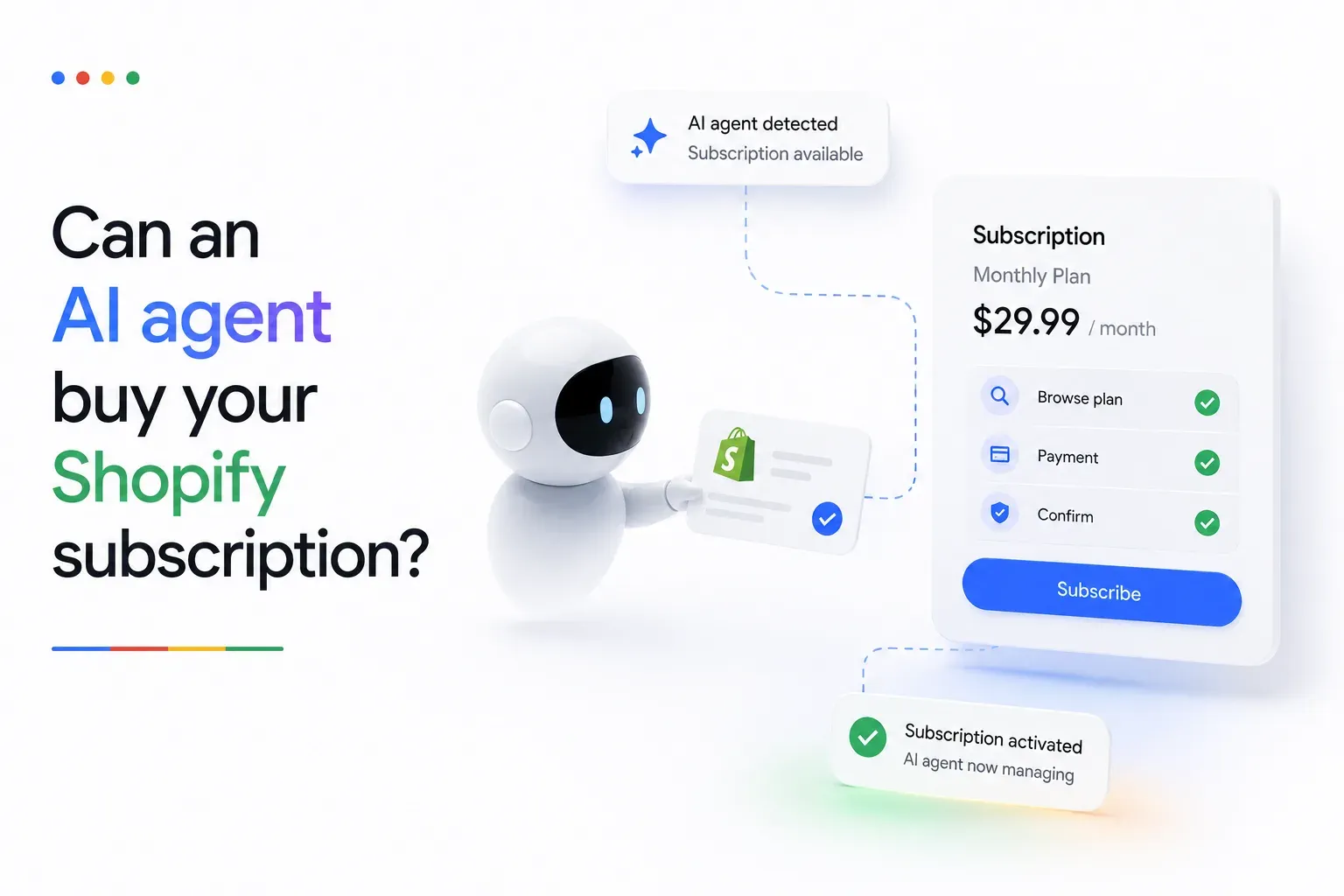
What a subscription app should do for you depends heavily on what you sell: a coffee roaster shipping a rotating box and a supplement brand shipping the same tub every month need very different things from the same category of tool. The solutions hub sets out how this works per vertical, and the walkthrough of which subscription model fits a health and wellness catalogue shows how that choice plays out in one of them. For the wider picture — app comparisons, migration walkthroughs, pricing guides, and definitions of the terms above — start at the resources hub. One question the hub does not settle yet is where these purchases will happen next: Shopify’s AI shopping channels currently list subscriptions as unsupported at checkout, which we unpack in can AI agents buy your Shopify subscription?